
Overview: This release, 8.5.0, introduces secure public link sharing for real-time asset visibility, integrates direct site-based mapping for shipment destinations, and brings advanced layout configurations to the Dashboard Workspace. Key focus areas include smoother management of large data tables, more efficient tracking workflows for shipping and logistics, and secure, easy data-sharing options with external partners.
-
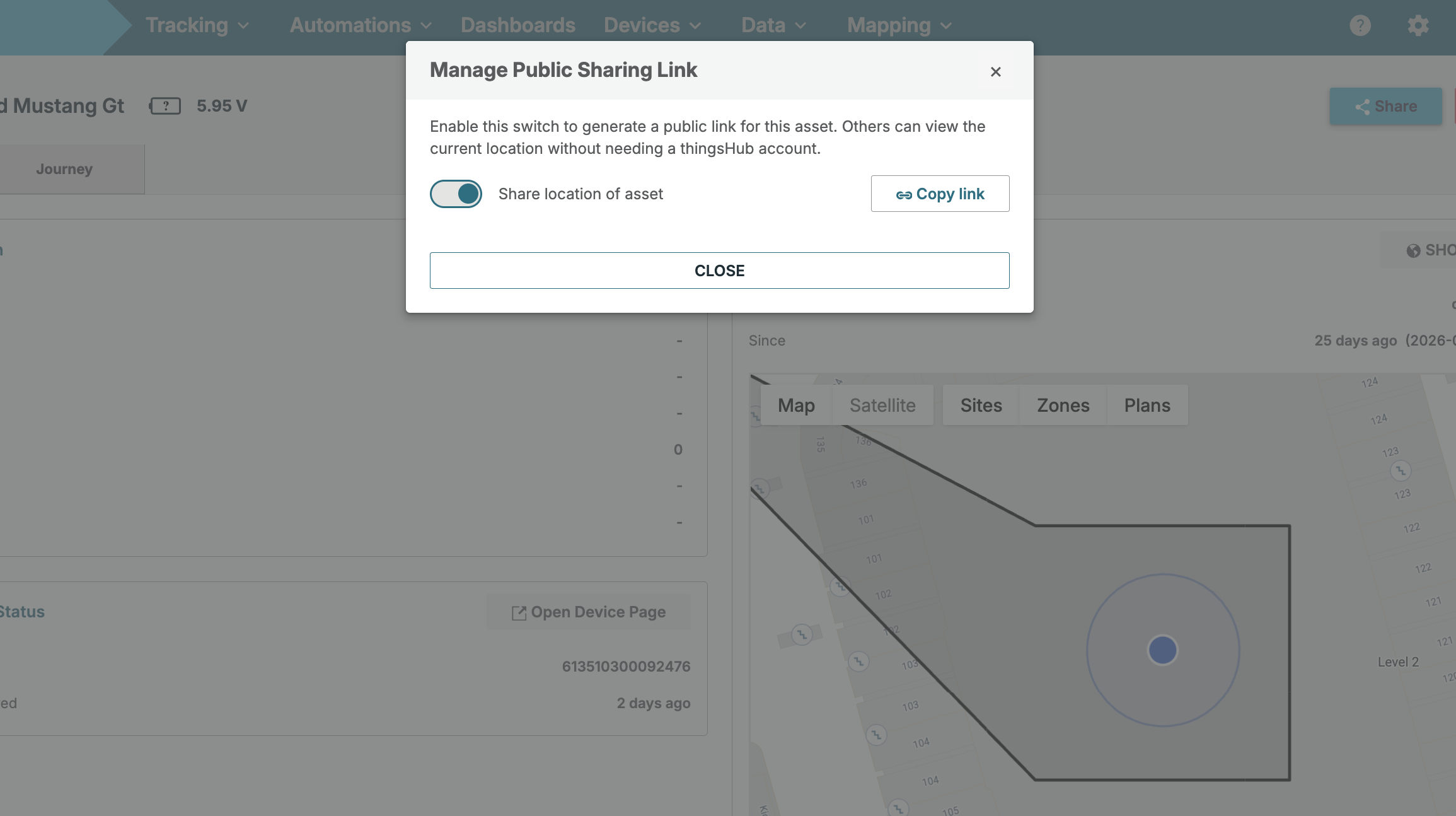
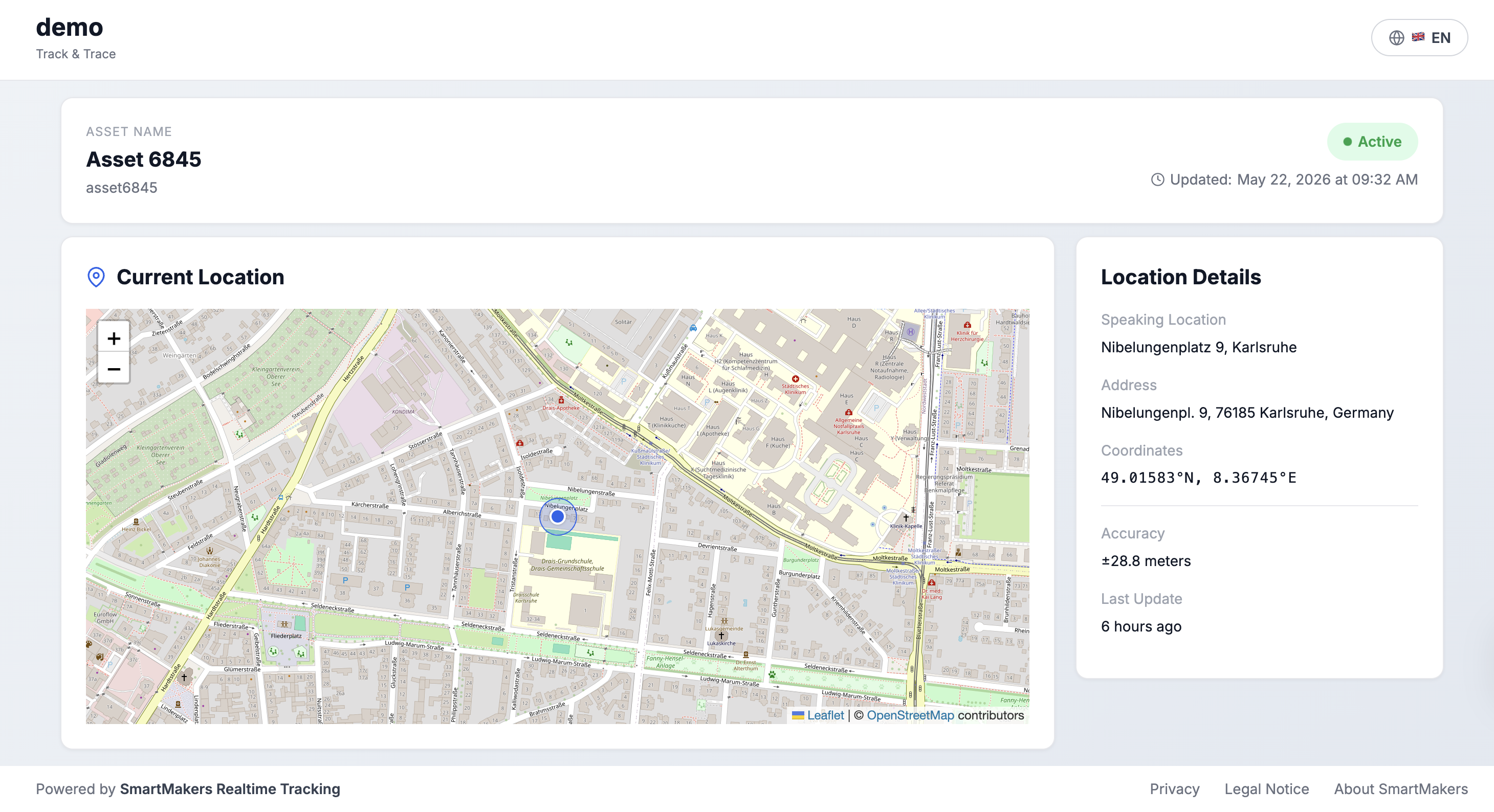
Public Link Sharing: Allows real-time tracking of high-value assets to be shared securely with external partners, vendors, or customers globally. External stakeholders gain immediate visibility into live shipments via easily revocable tracking links, completely bypassing the need for a system account.
Enhancements
-
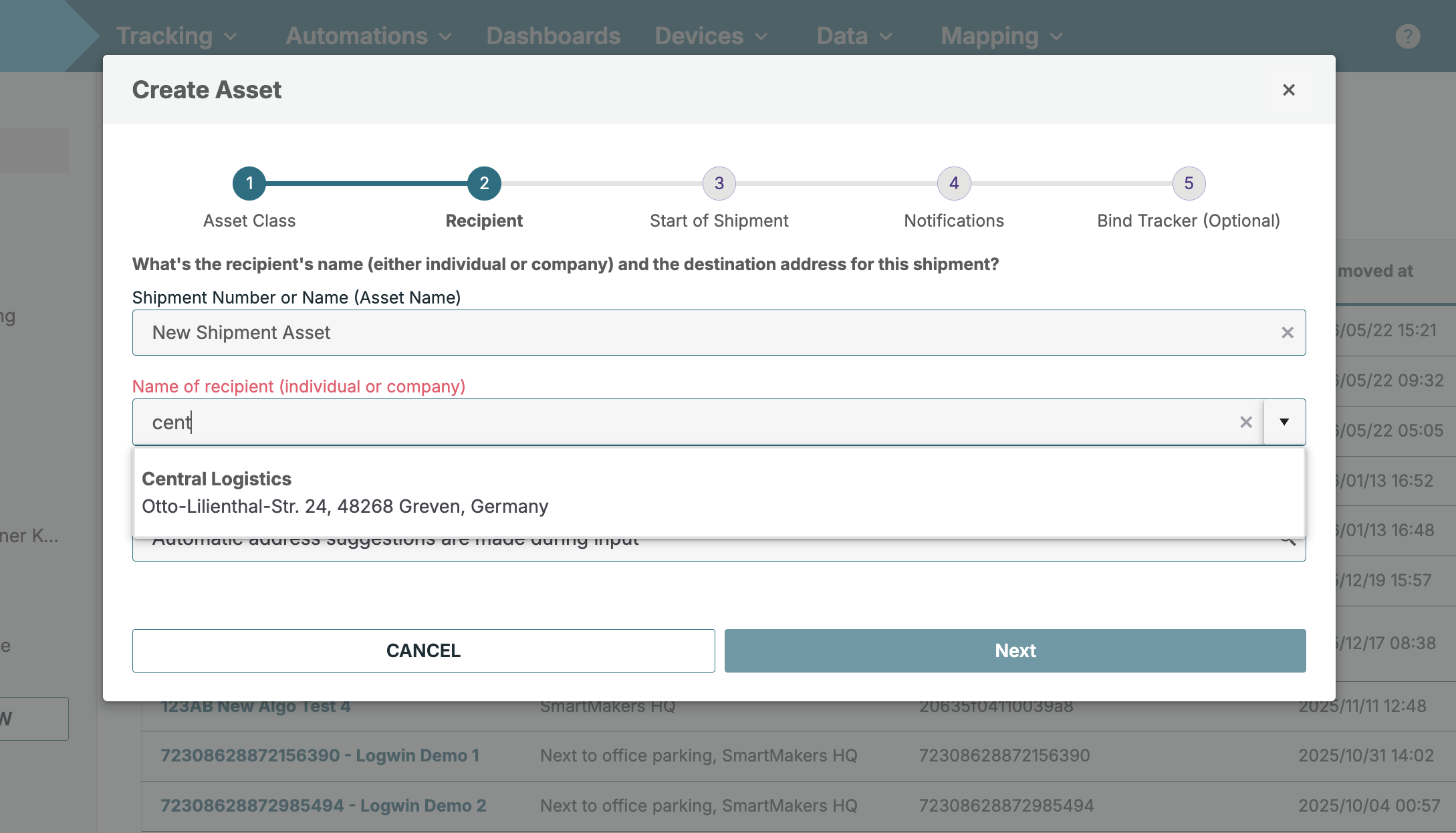
Shipment Tracking Destinations: Selecting an existing site directly as a destination address is now fully integrated into the shipment creation workflow. This functionality eliminates duplicate recipient records, ensures cleaner long-term historical logs, and removes the need for repetitive manual address data entry.
-
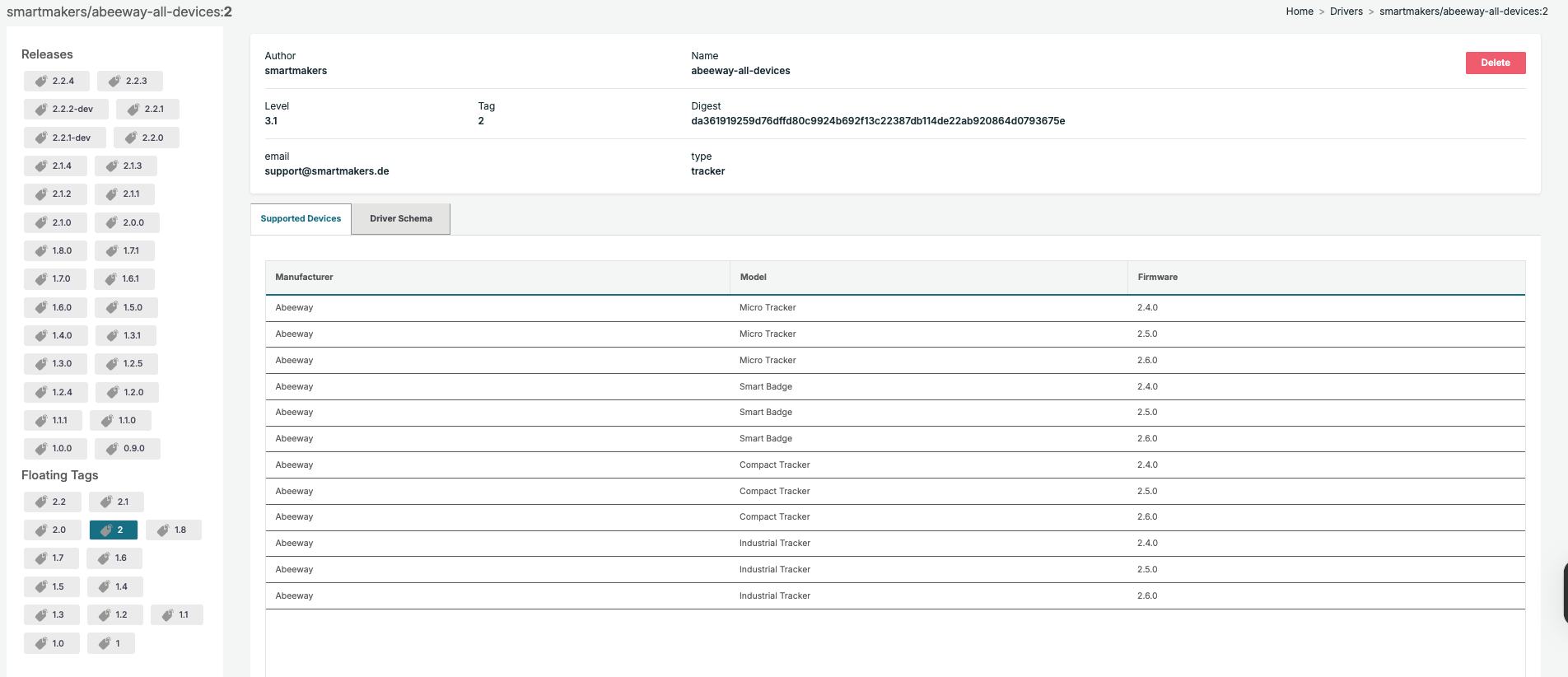
Tab Layout Harmonization: Flattened and cleaned up the visual interface across multiple modules (including Device Automations, Driver Details, and Data Tables) by removing redundant single-card wrapper containers, creating a uniform experience inside the updated white-background tab designs.
-
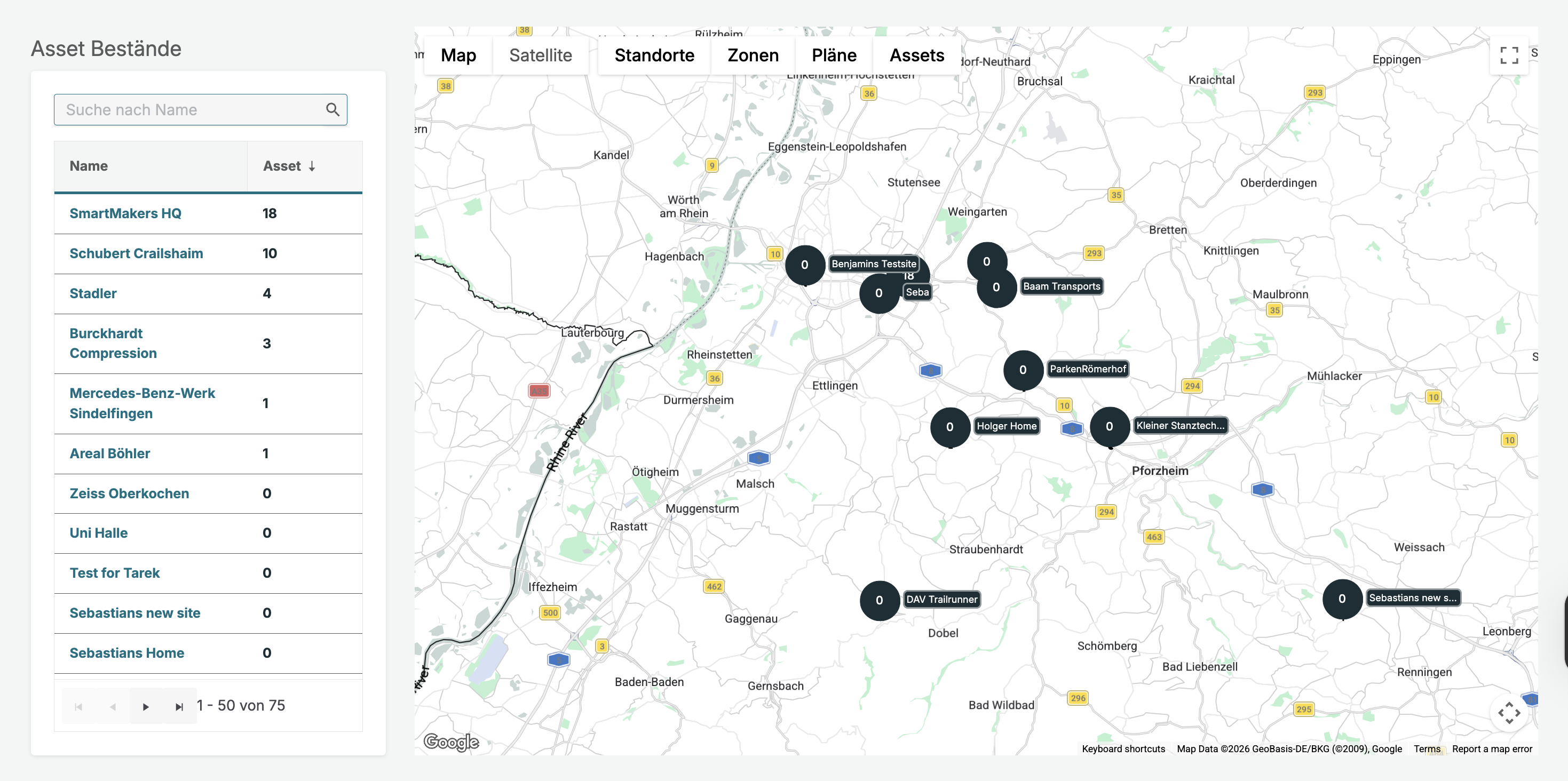
Asset Stock Mapping: Migrated the asset stock map to the latest Map, which now groups stock counts into clear visual circles when zoomed out to help users track inventory levels across multiple sites more easily.
-
Reliable Zone Tracking: Improved zone controls so that any action you take, such as editing boundaries or deleting a zone, is strictly locked to that specific site. This ensures that zones with the same name in different locations never interfere with each other, and your custom zone colors or shapes will now stay saved even after a page refresh.
Bug Fixes
-
Integration Role Security: Resolved an interface access issue where disabled "Edit" and "Delete" buttons on integration detail views remained clickable for users assigned a Guest role.
-
Data Preview Availability: Fixed a rendering error where clicking the data table preview display for the first time appeared empty until a manual browser refresh was triggered.
-
Export Record Table Formatting: Polished past export summary views by replacing exposed internal debugging metrics and raw count variable text with clear, customer-friendly column titles.
-
Default Dashboard Persistence: Corrected a configuration loss bug where selecting a personalized dashboard as the default workspace failed to persist after a hard reload or navigating between menus.
-
Interface Typography Correction: Corrected a grammatical typo located on the asset overview summary panel, modifying the card header text from "Asset Informations" to Asset Information.
-
Data Table Previews: Fixed an interface truncation error inside the file review menu where the rightmost data column consistently appeared entirely blank regardless of actual ingested metrics.
-
Nested Telemetry Processing: Resolved an omission where complex data lines utilizing specialized sub-field path syntax (dot notation) were hidden from the data table view and external widget selectors.
-
Zone Coordinates Validation: Adjusted the mapping interface response validation to flag invalid or extreme coordinate sets, ensuring the system safely rejects out-of-bounds geometries instead of sending false success updates.