📋 Overview
This feature is built to help users set up the tenant URL in the Track & Find app by using the QR code scanning feature.
Track & Find iOS App
Download iOS App here: https://apps.apple.com/us/app/track-find/id6463132120
Step 1.
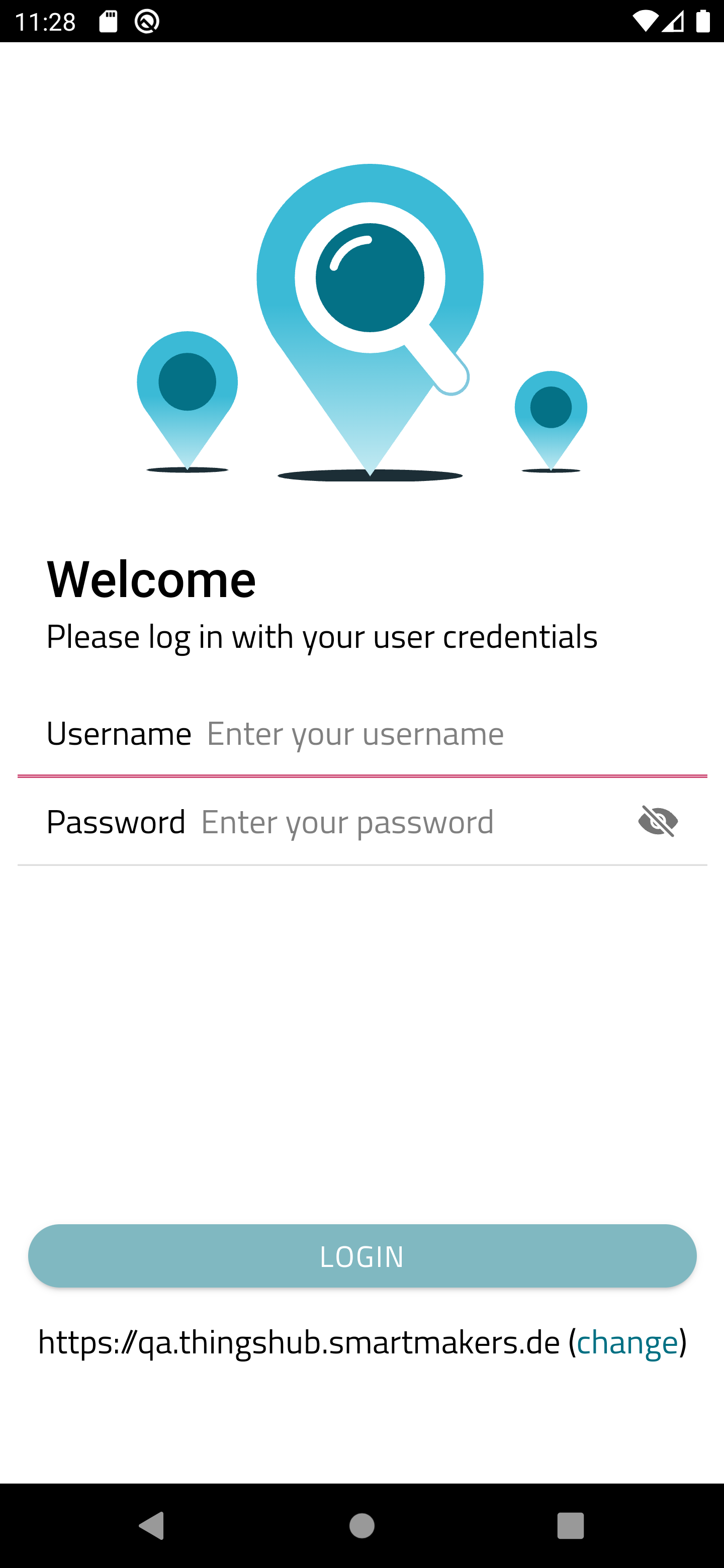
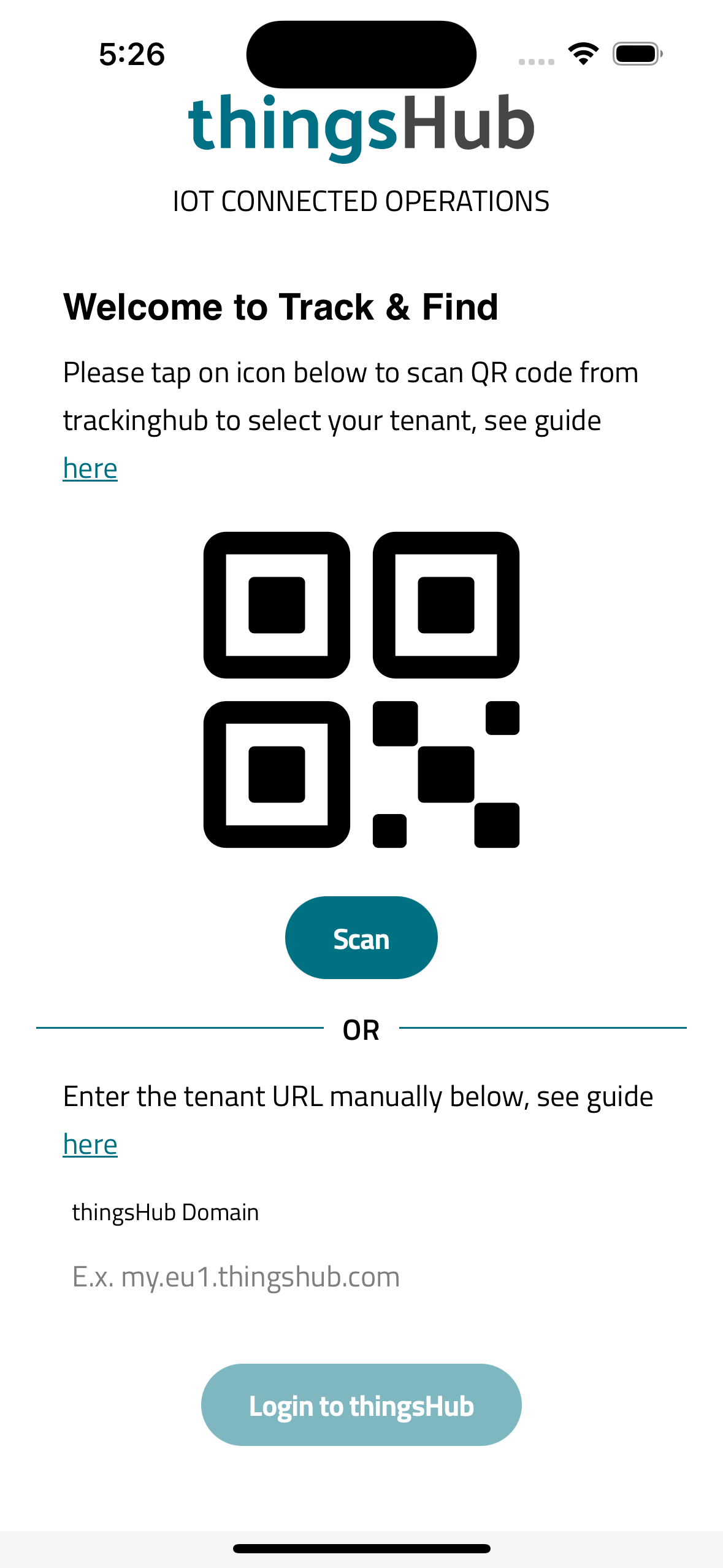
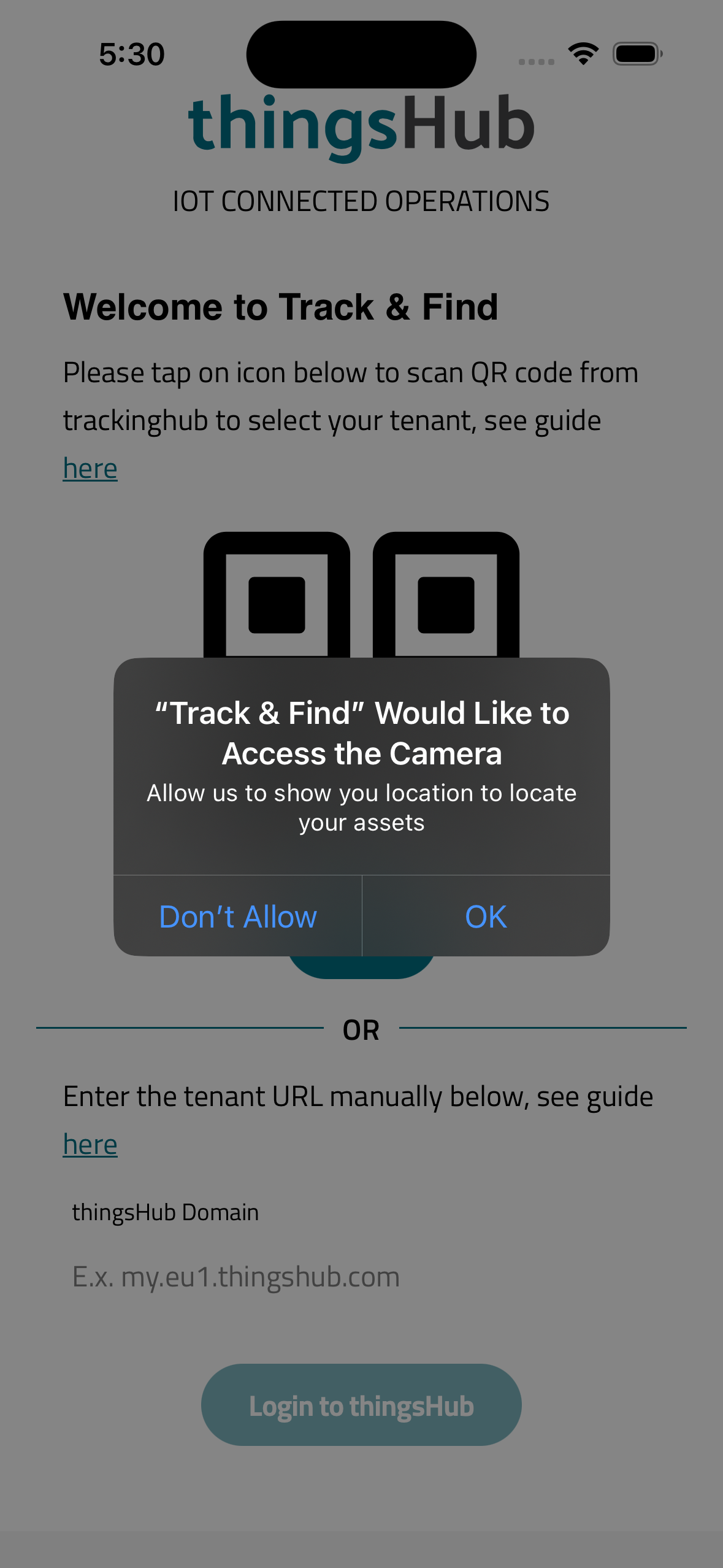
Tap on the QR code icon or on the scan button. A camera permission pop will appear the first time.
Step 2.
Tap on OK to allow camera permission
Track & Find Android App
Download Android App here: https://play.google.com/store/apps/details?id=io.smartmakers.mobile
Step 1.
Tap on the QR code icon or on the scan button. A camera permission pop will appear the first time.
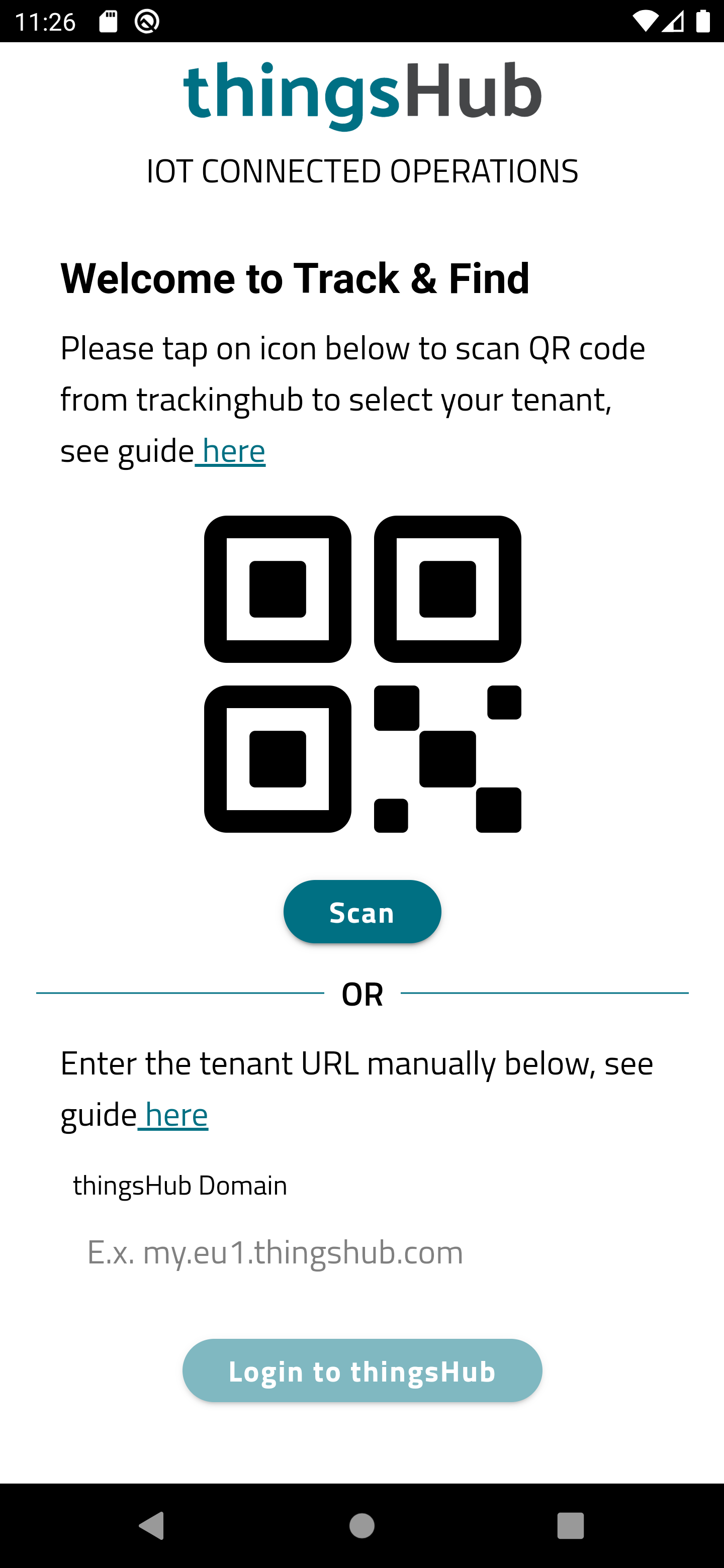
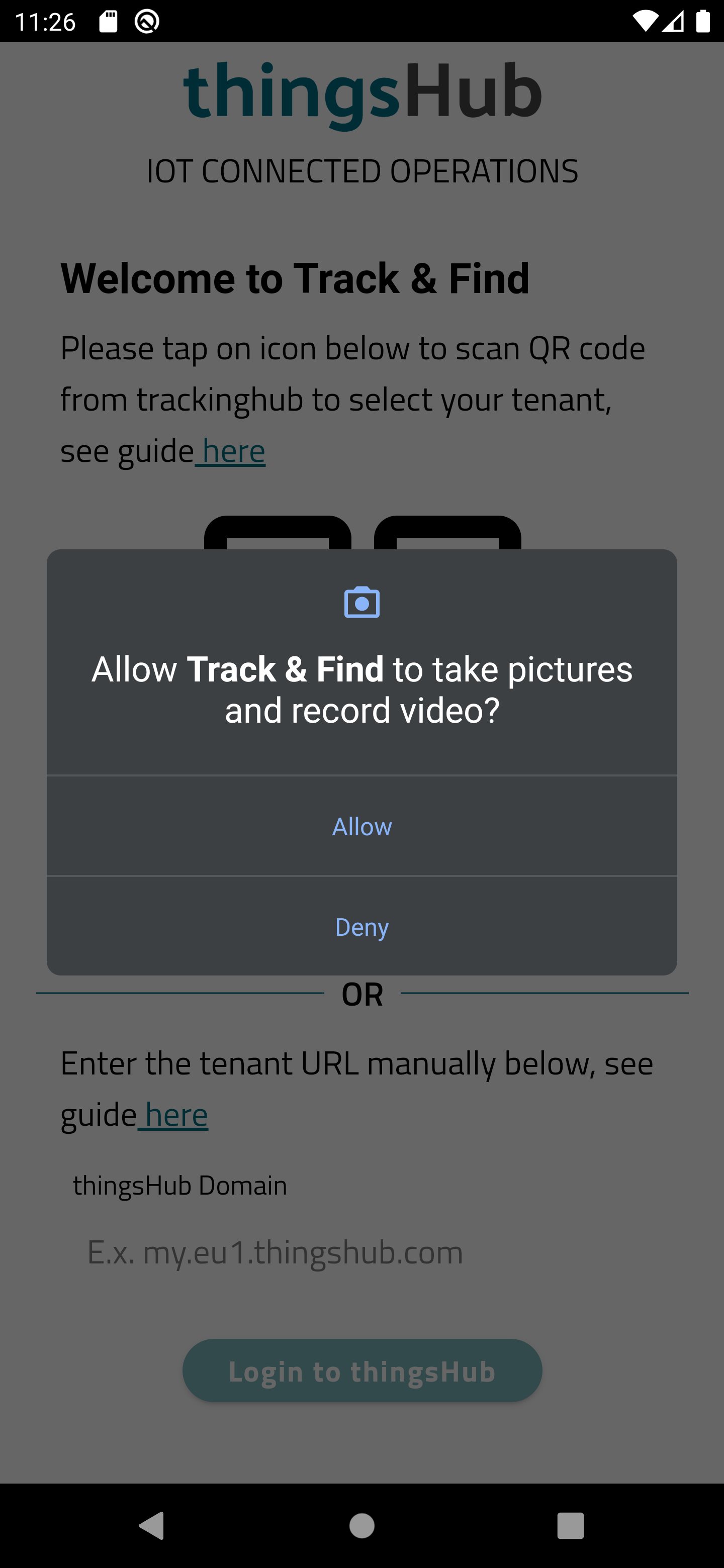
Step 2.
Tap on OK to allow camera permission
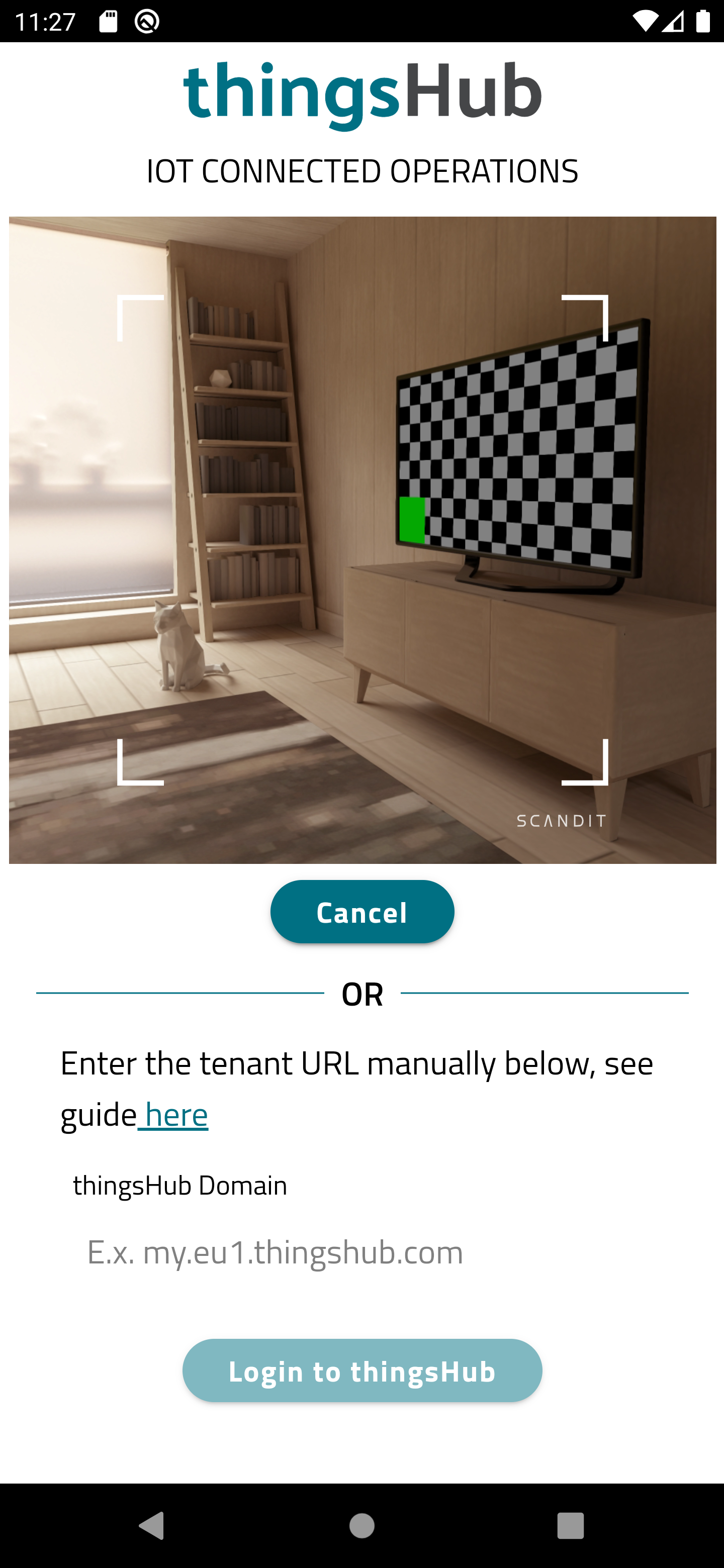
Things Hub web app QR code
Step 1.
Open your tenant on the web browser and goto login page
like: https://qa.thingshub.smartmakers.de/ui/en/login
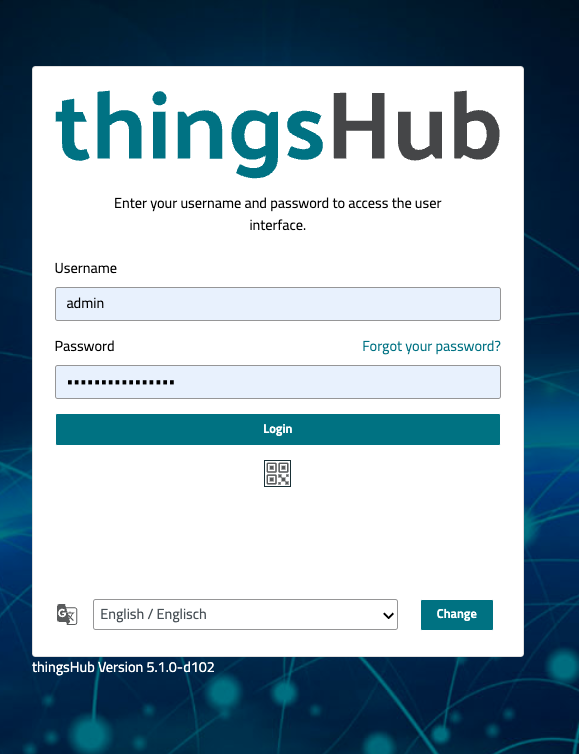
Step 2.
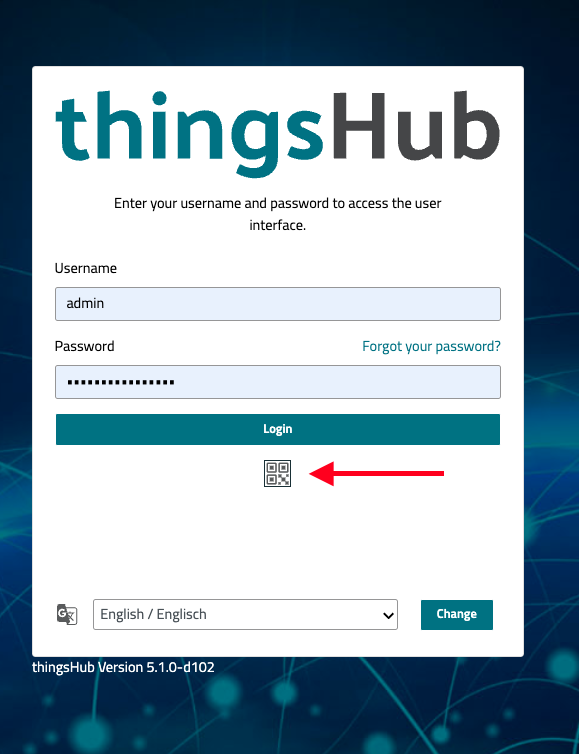
Click on the QR code Icon to open the QR code Modal for scanning
Step 3.
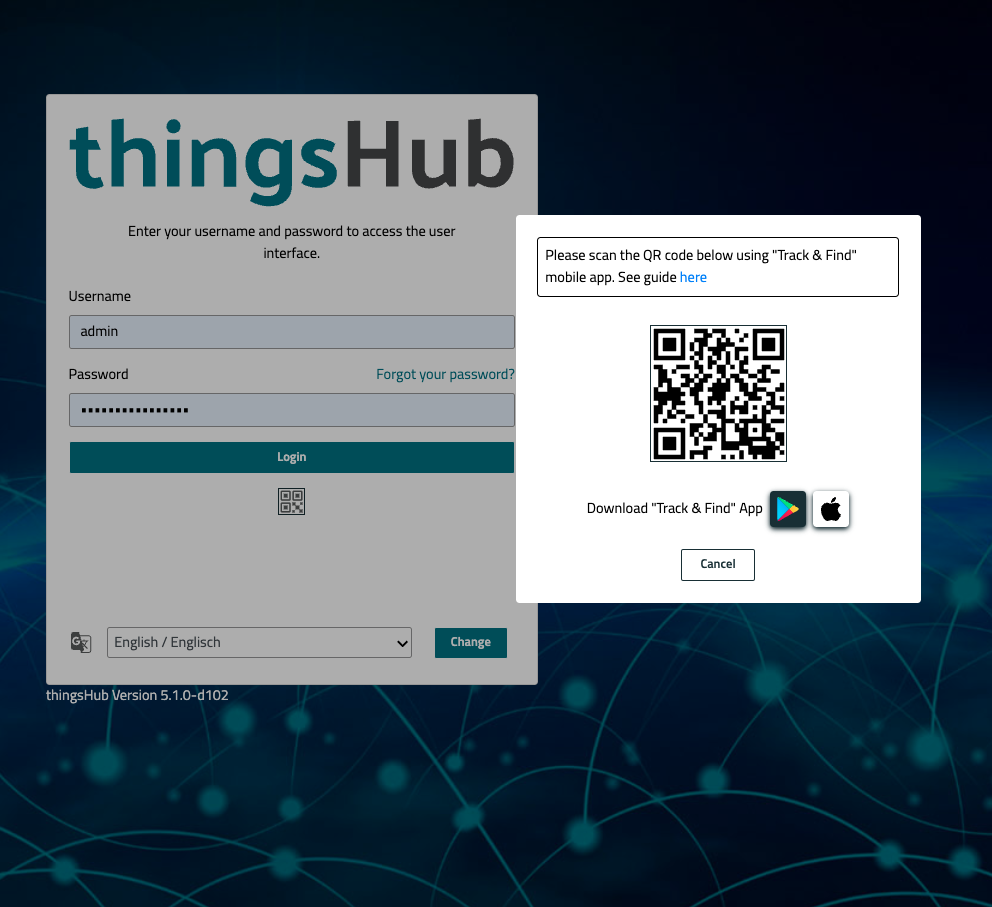
Now scan the QR code by using mobile app.
Set tenant URL manually
Step 1.
go to web and open your tenant site on web.
Like: https://qa.thingshub.smartmakers.de/ui/en/login
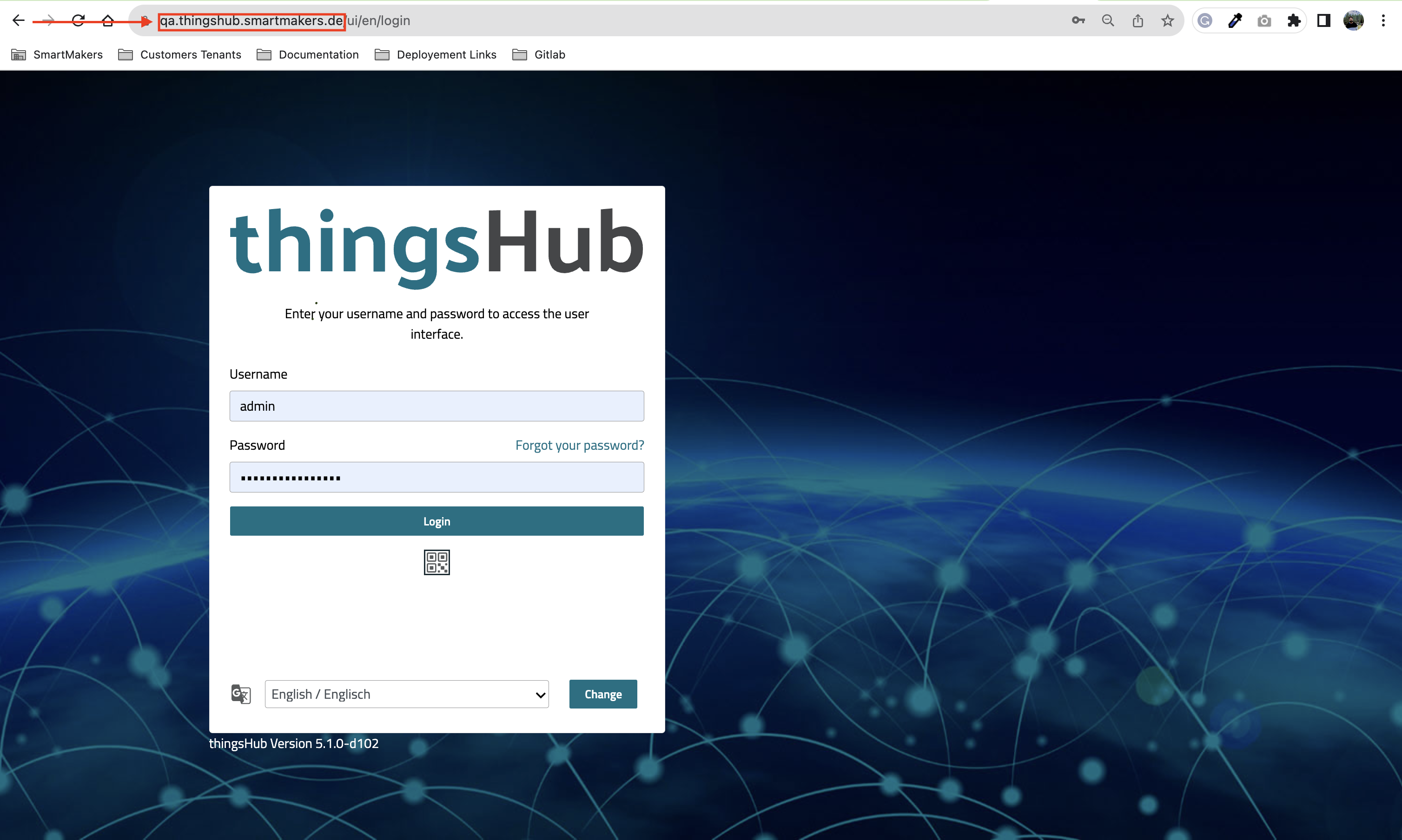
On the Url bar you can see the url of your tenant.
Step 2.
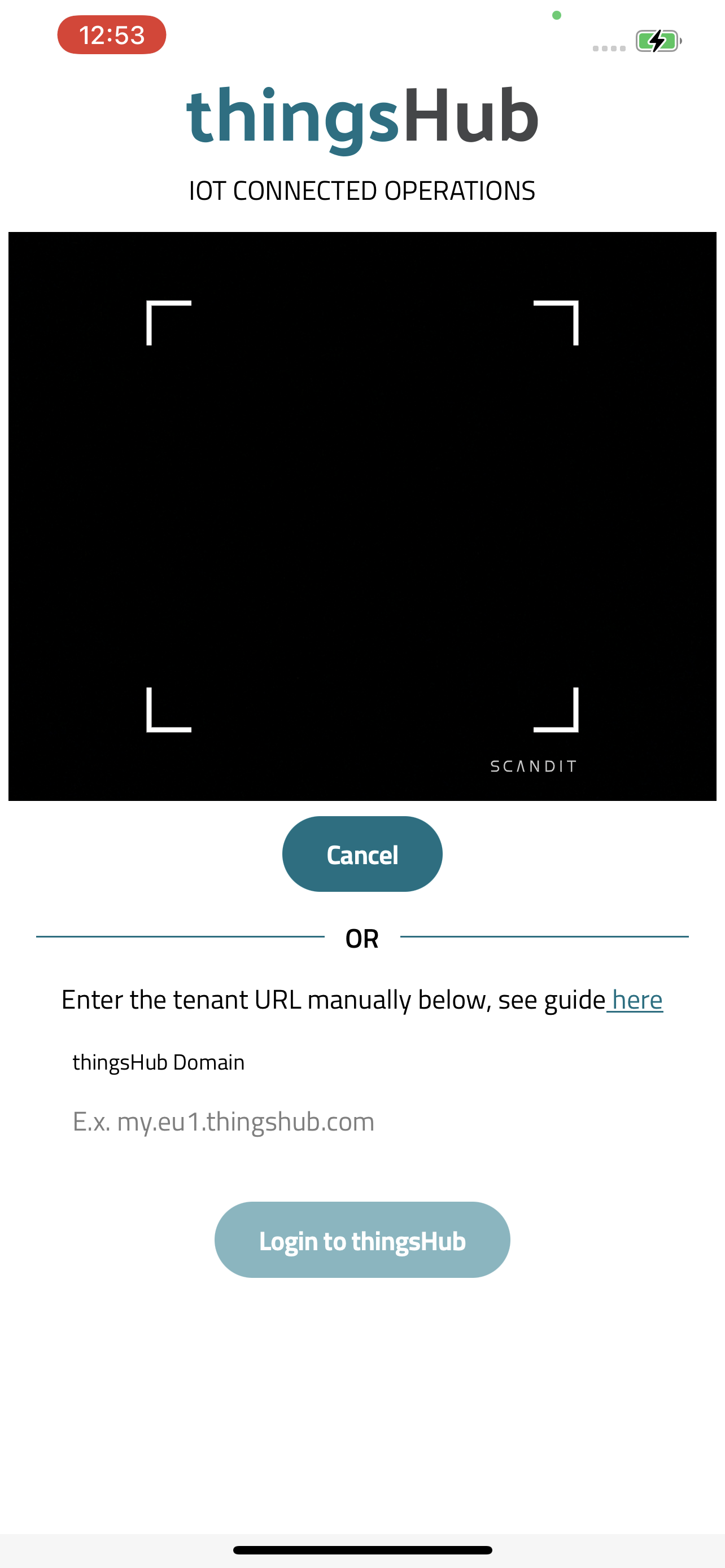
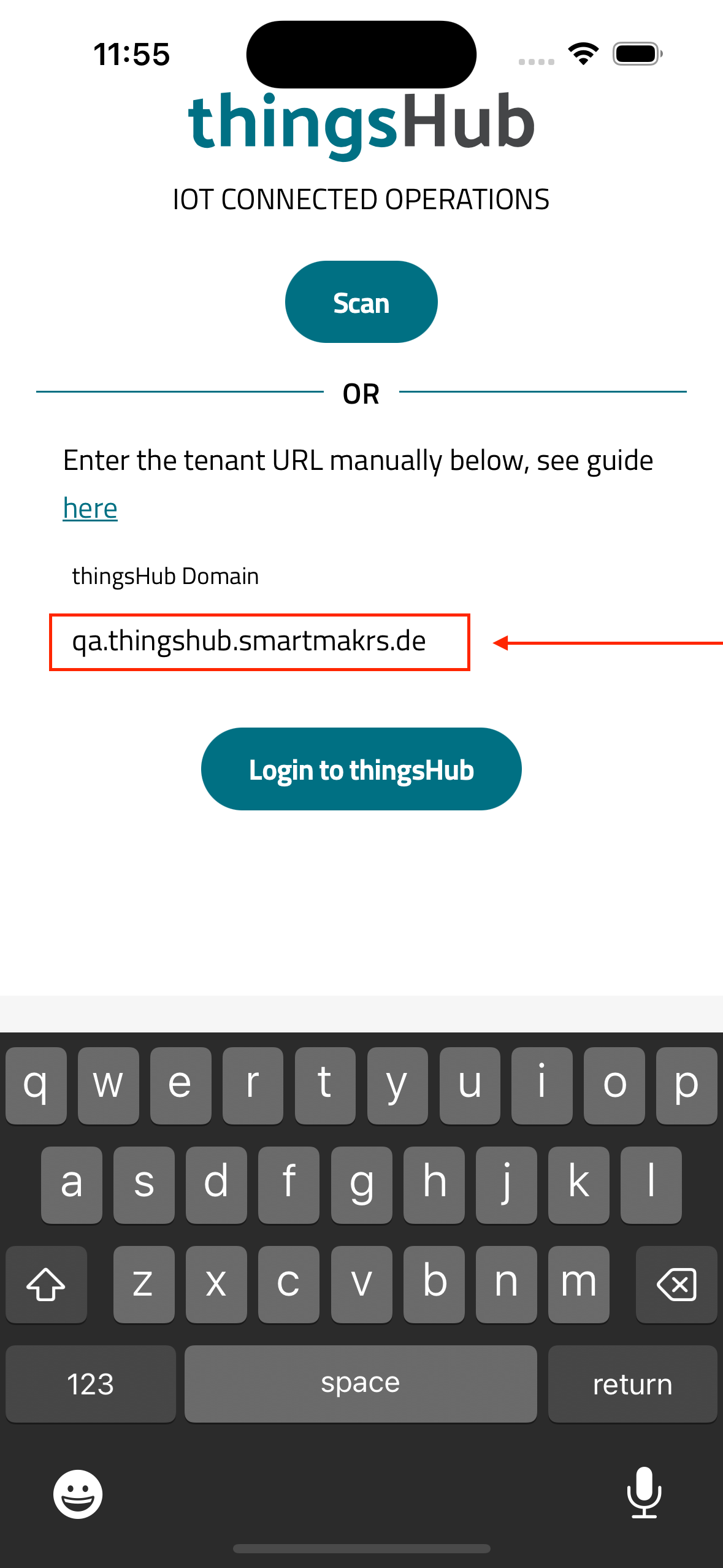
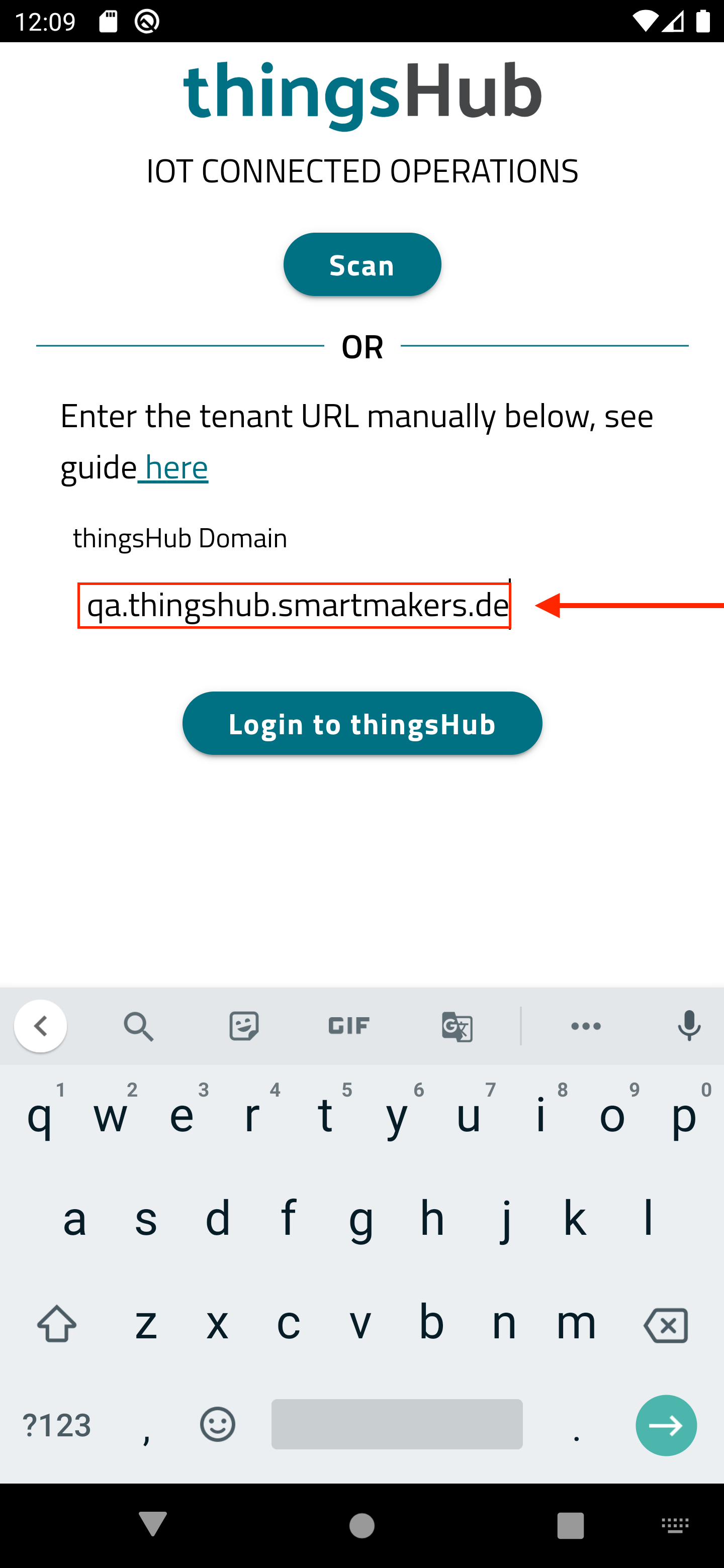
Please write domain name of your tenant in the thingshub domain input and click on the login to thingshub button.
iOS
Android
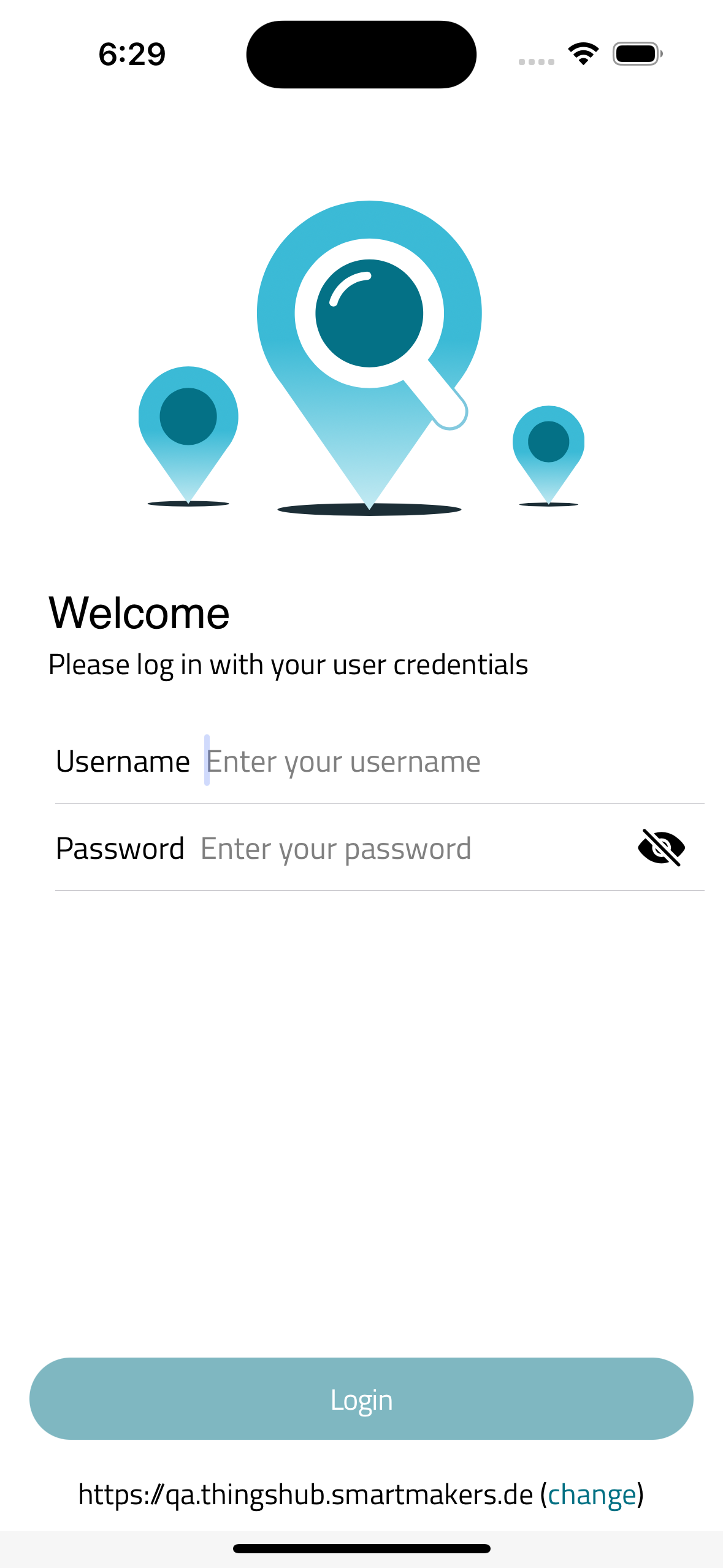
Final Step. Login with your user credentials
You can see tenant url is added in mobile app at the bottom of screen. Now enter your credentials to login.
iOS
Android