
This article describes how to integrate thingsHub with a websocket connection. This enables you to service device data as well as to enable clients to receive live device data.
Using the New Integration wizard to set up a websocket integration
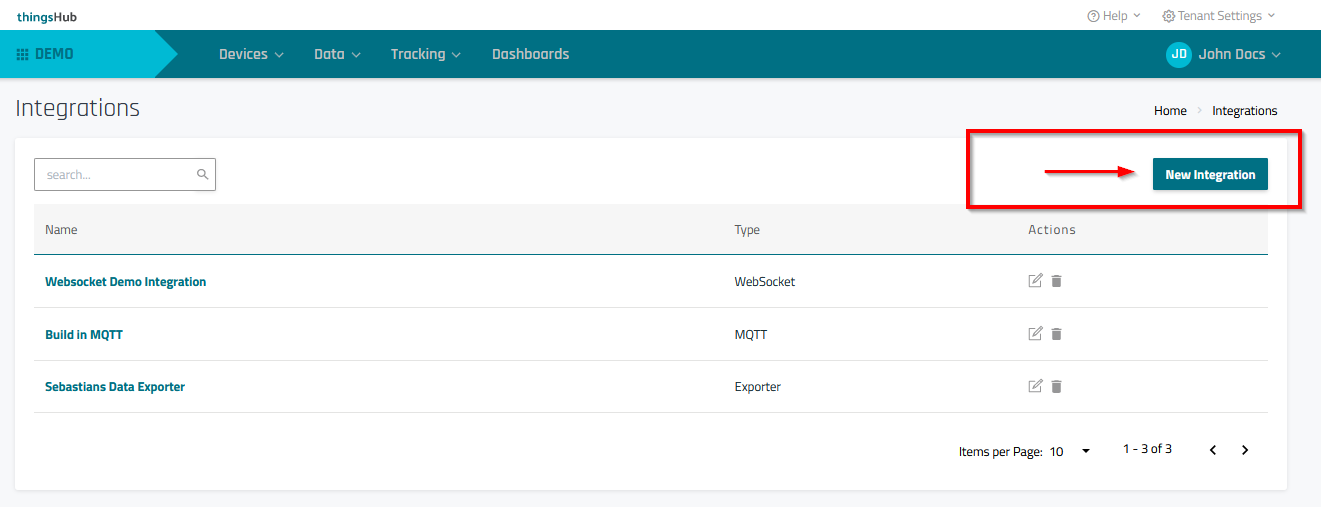
Step 1) Go to Data > Integrations and select the New Integration button.
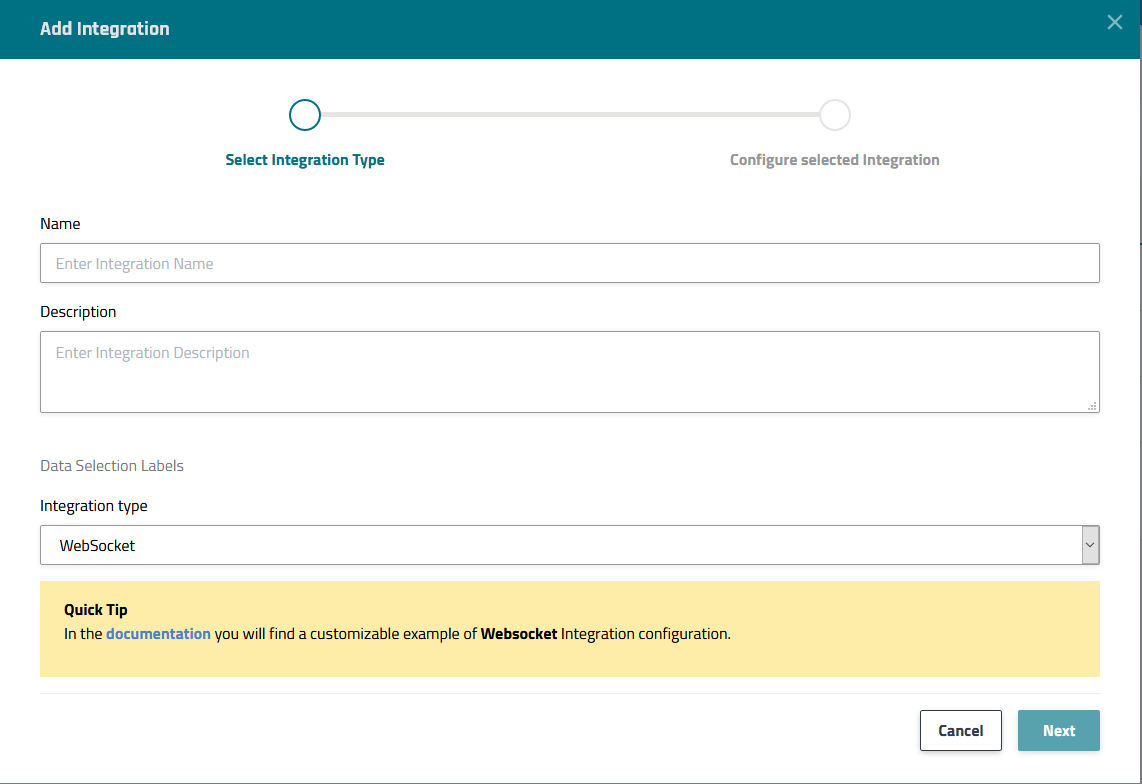
Step 2) In the Select Integration Type step of the Add Integration wizard, enter the configuration information as described in the below parameters table. Then press the Next button to continue to the next step, Configure selected Integration.
|
Parameter |
Description |
|---|---|
|
Name |
Enter a name for the integration. |
|
Description |
Optional field used to describe the integration. |
|
Data Selection Label |
Select labels that are assigned to the devices from which you would like acquire data. For more information on device labels, see Using labels to group and sort devices. |
|
Integration type |
Select WebSocket |
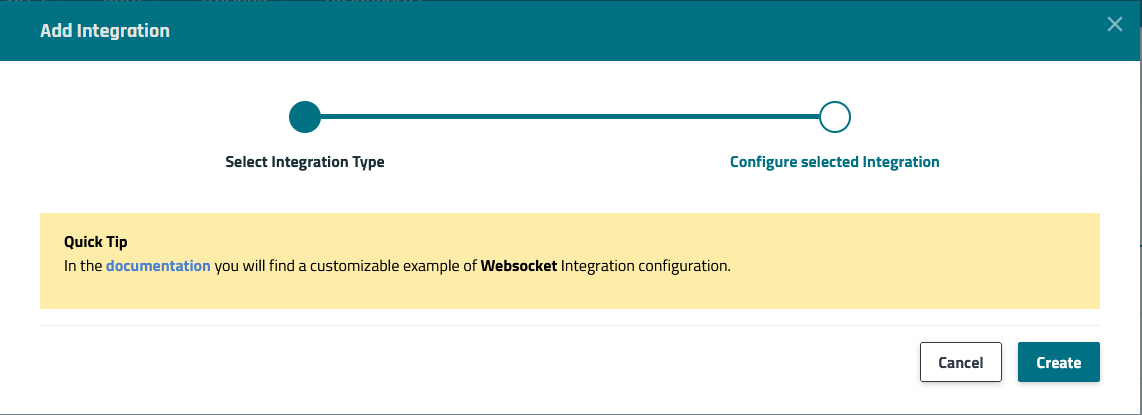
Step 3) In the Configure selected Integration step, press the Create button to complete the process and return to the Integrations page.
Receiving data
After creating the integration, the returned object will contain the name of the websocket URL to which the state updates will be sent.