
5.4.0 released: 14. January 2024
New Features
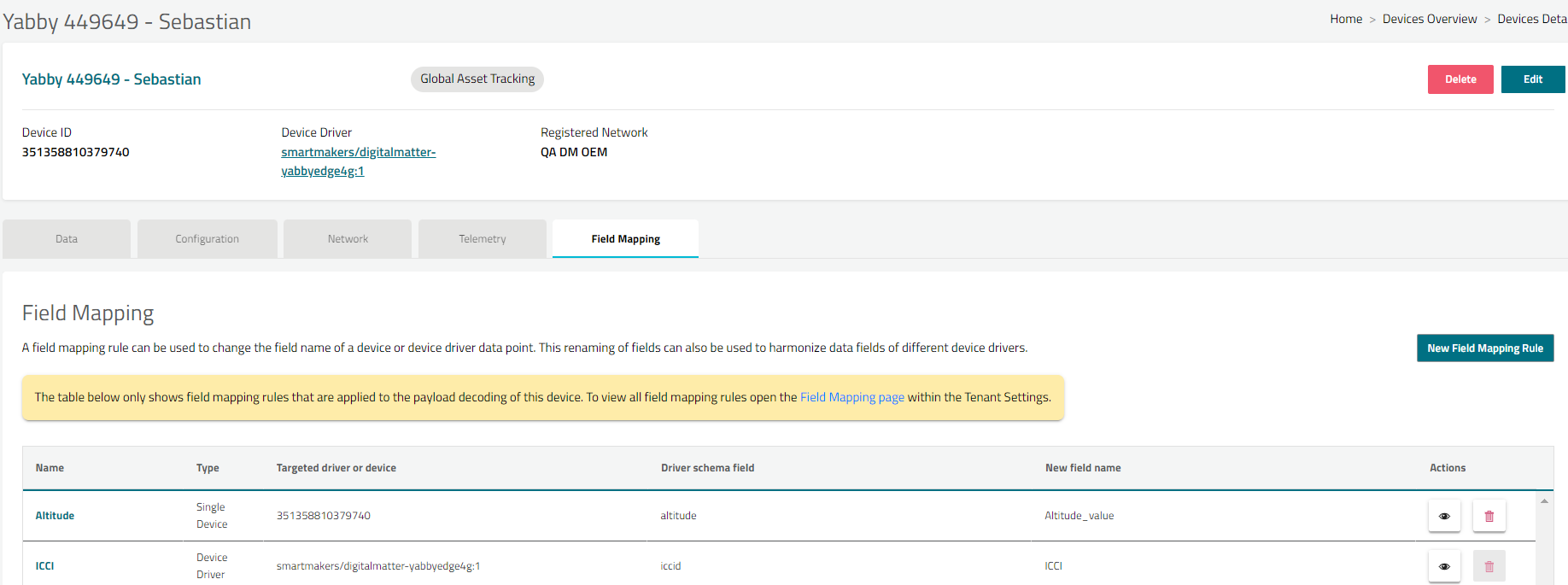
The field mapping functionality has been extended to the device detail page
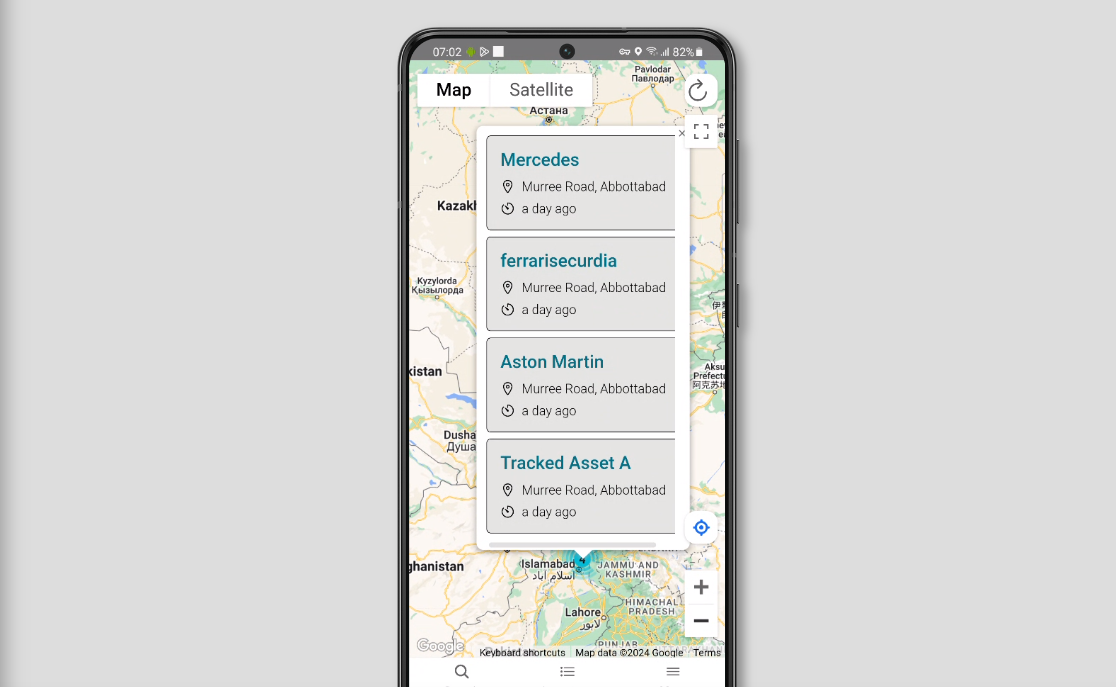
Clustered Info window is added in “Track & Find” mobile app.
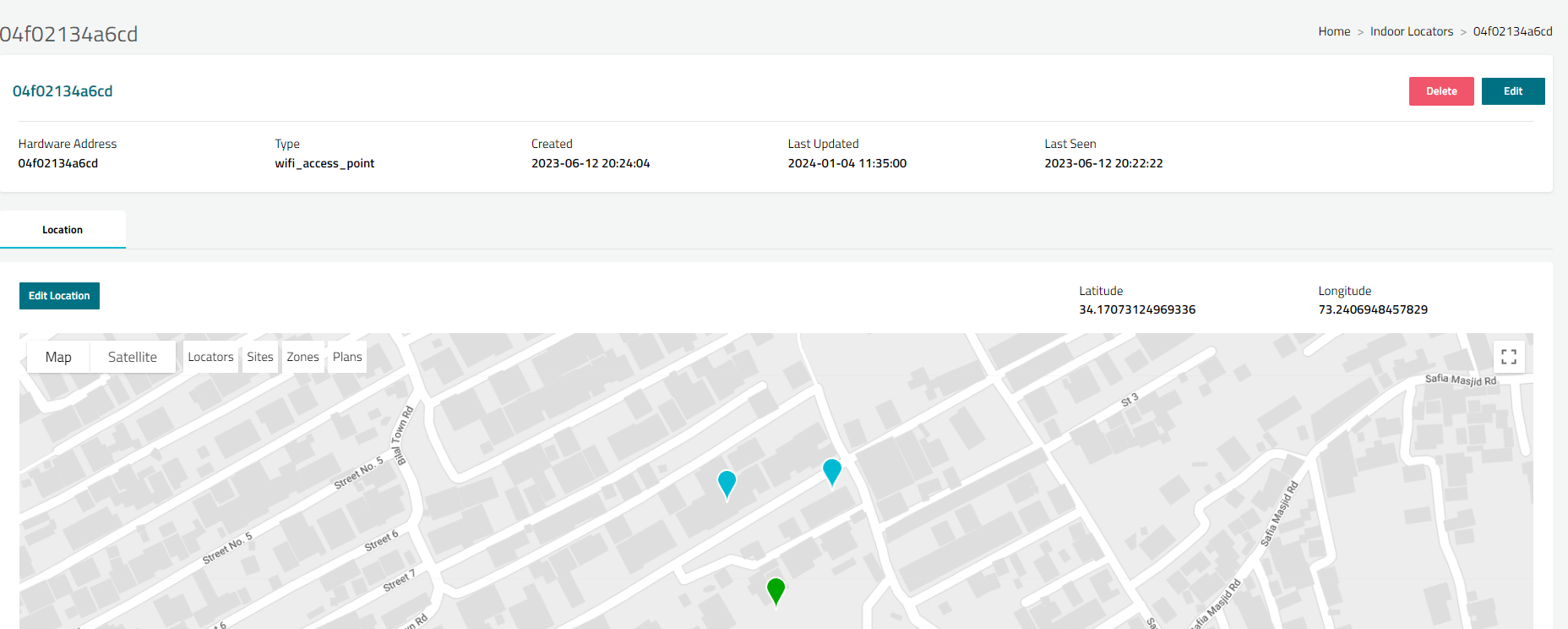
Indoor Locators functionality has been upgraded with UX enhancements
-
Improved loading on the listing page.
-
All indoor locators are now visible on the indoor locator map.
-
The visibility of all indoor locators is switchable with the “Locators“ button on the map.
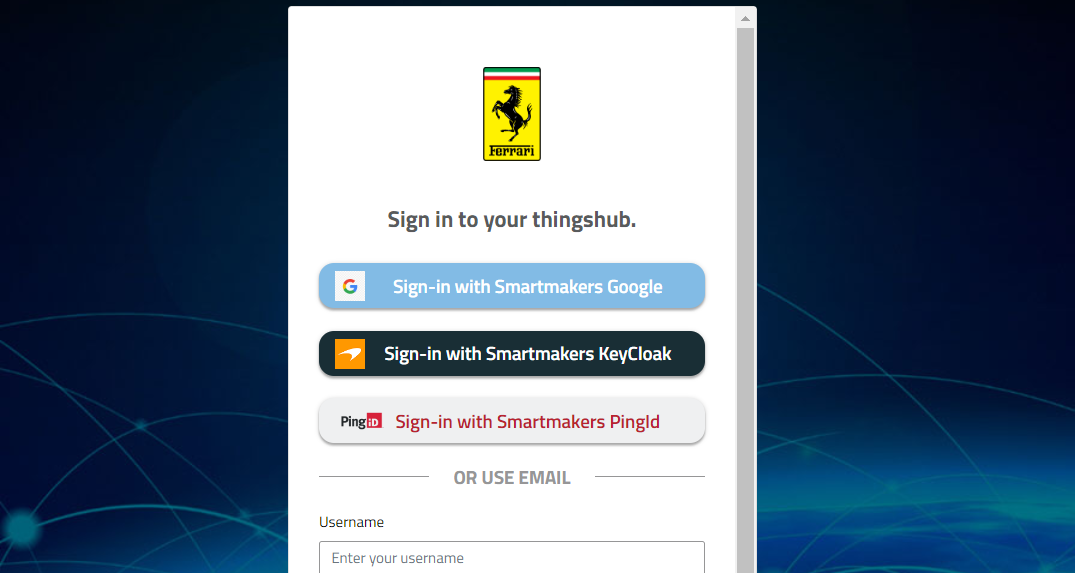
Users can log in to Things Hub using Ping ID as preconfigured authentication
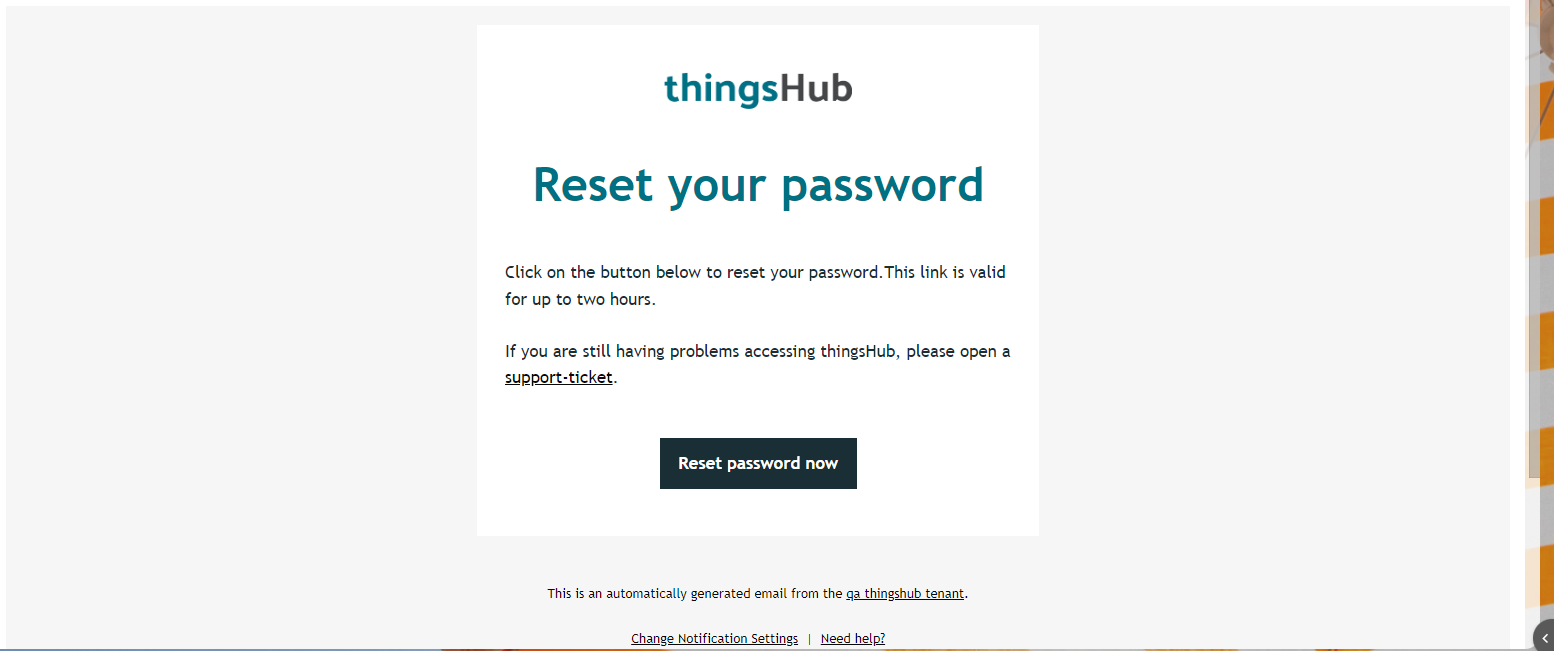
A new email template theme has been set up in password reset process
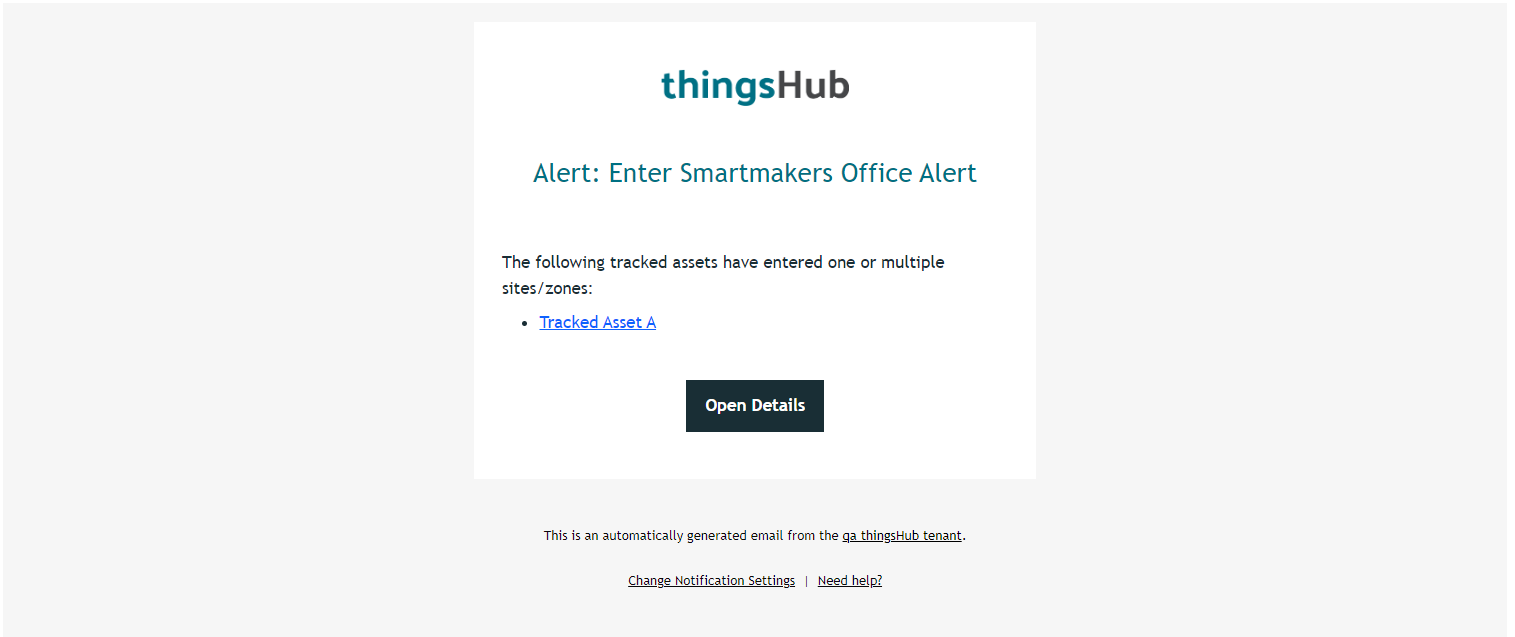
The geofence alert email notification now features a new template theme, enhancing its visual and functional aspects.
Usability and Other Enhancements:
-
On the tracking map main page, the information window is not visible when panned, and hovering is fixed
-
Error message is missing when attempting to re-add a connection in the data exchange data table is fixed
-
The tooltip is absent when a user or guest user attempts to delete a data table is fixed
-
Clusters in the device map should display using the device marker color scheme if fixed
-
The issue with tracked assets on the site detail page displaying as dots instead of markers is fixed
-
Invalid Error message shown when unbind tracked asset is opened from triggered alert page
-
An invalid error message is displayed when attempting to unbind a tracked asset from the triggered alert page is fixed
-
Display only "data" fields in the device driver schema fields dropdown of the Field Mapping dialog is fixed
-
The data on the field mapping table is not properly aligned with the columns is fixed
-
Error message is improved when network connection is re added
-
Email validation has been enhanced on the user's personal settings page
-
The error message has been improved when asset inventory name is updated to existing name
-
The success message was missing, and the issue redirecting to the integration page has been resolved
-
The success message is now displayed and has been resolved when updating the data table
-
The issue of an invalid date format being visible on the data table detail page has been fixed
-
The error message is improved when no permission URL is accessed from user is improved
-
The error message has been enhanced when a user attempts to access a URL without the necessary permissions.