
Overview:
thingsHub 8.7.0 brings meaningful improvements to asset visibility, indoor positioning, and everyday navigation. Assets can now carry a primary image visible directly from list views and quick-preview drawers. A quick preview sidebar has been redesigned for clearer, faster access to key asset and shipment information. Several data accuracy and access control bugs have also been resolved in this release.
New Features
-
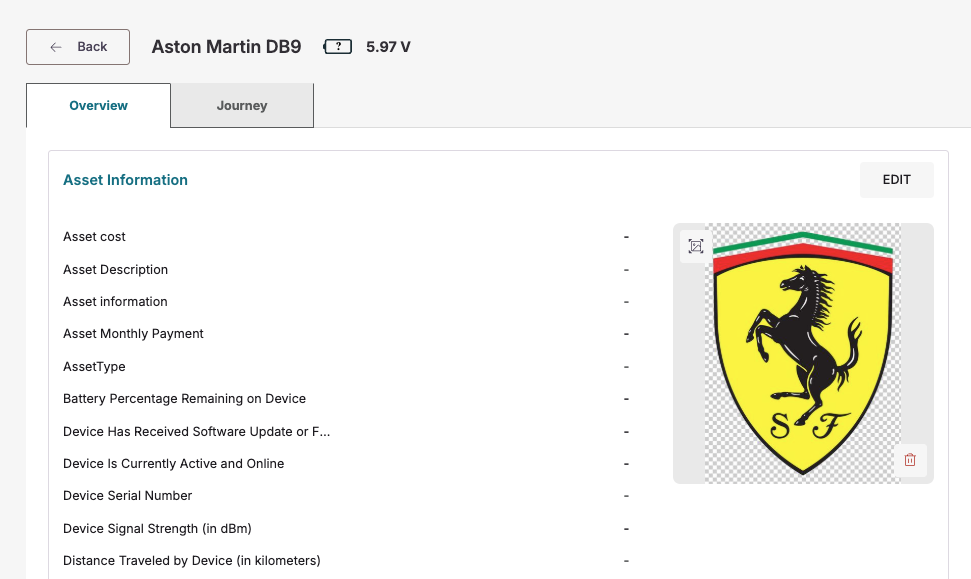
Asset images in list views and quick-preview: Assets can now carry a primary image that appears in the quick-preview side drawer and on the asset detail page, making it faster to visually identify an asset without opening its full detail view.
-
Tracking algorithm status in journey entries: Journey entries now surface the position source (BLE, GPS, or Wi-Fi) and movement status alongside location data, giving the delivery team richer context directly in the journey timeline.
-
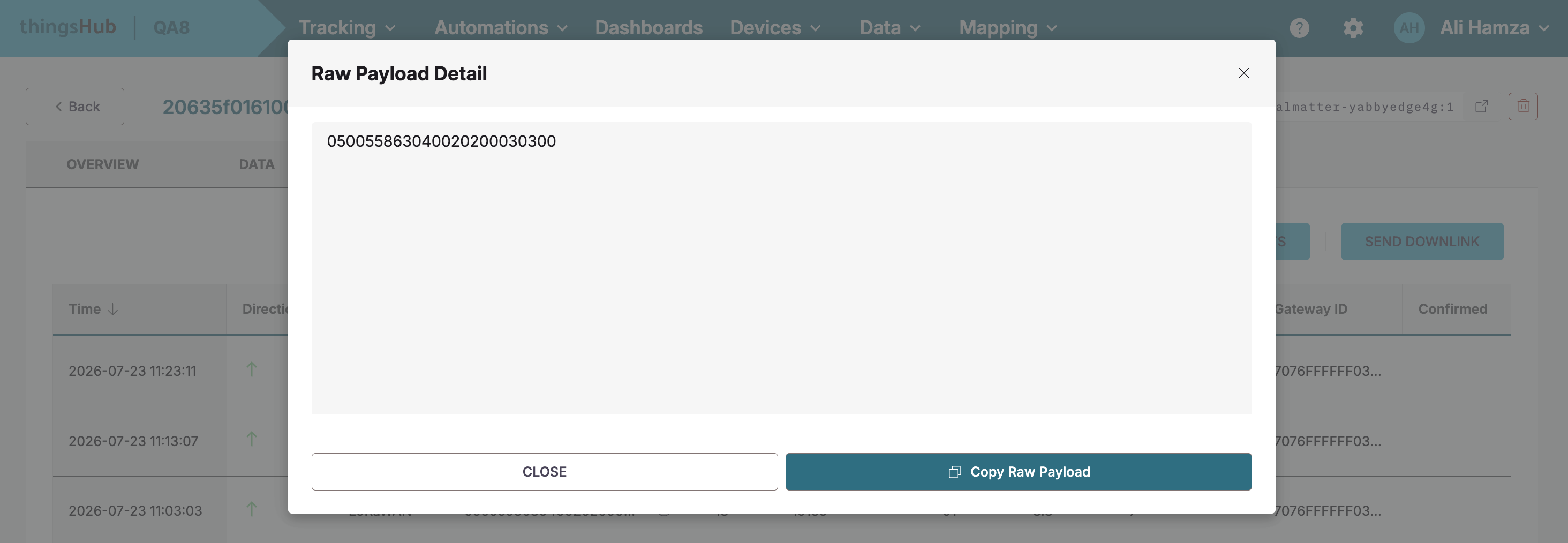
Raw payload content fully readable in the device network tab: Long raw payload strings in the Device Network tab are no longer cut off with no way to read the full value. The complete payload is now viewable in place, without needing to copy and paste into an external editor.
Enhancements
-
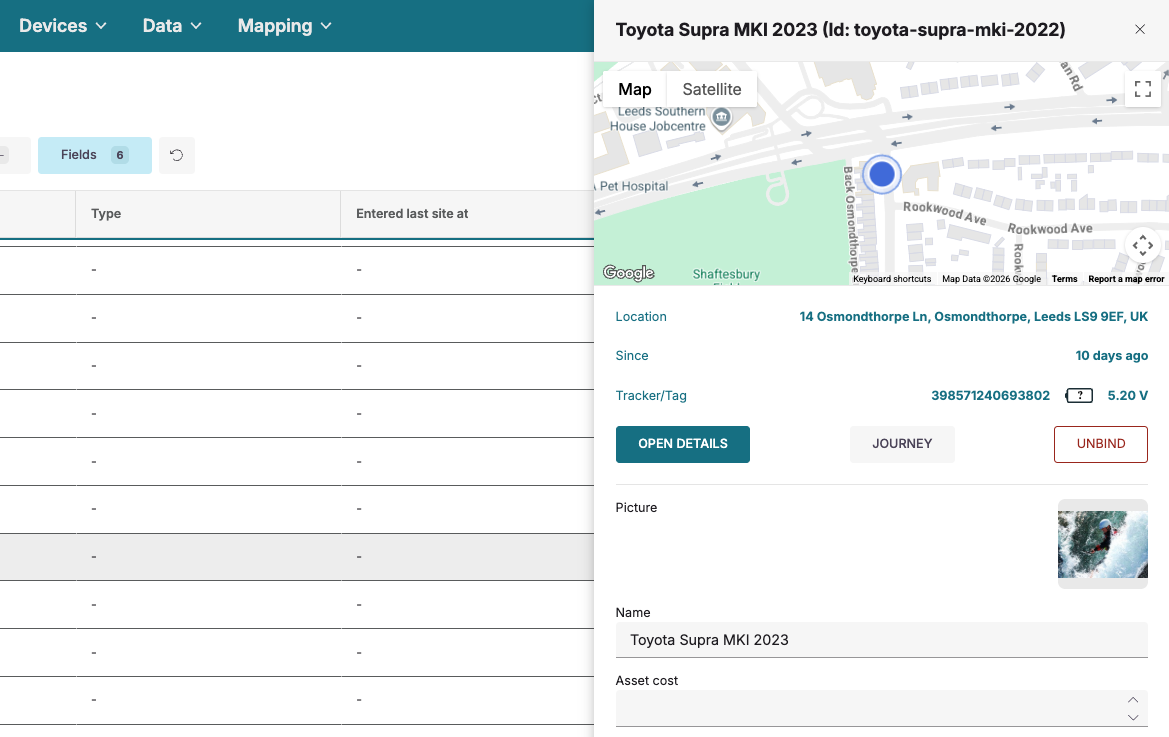
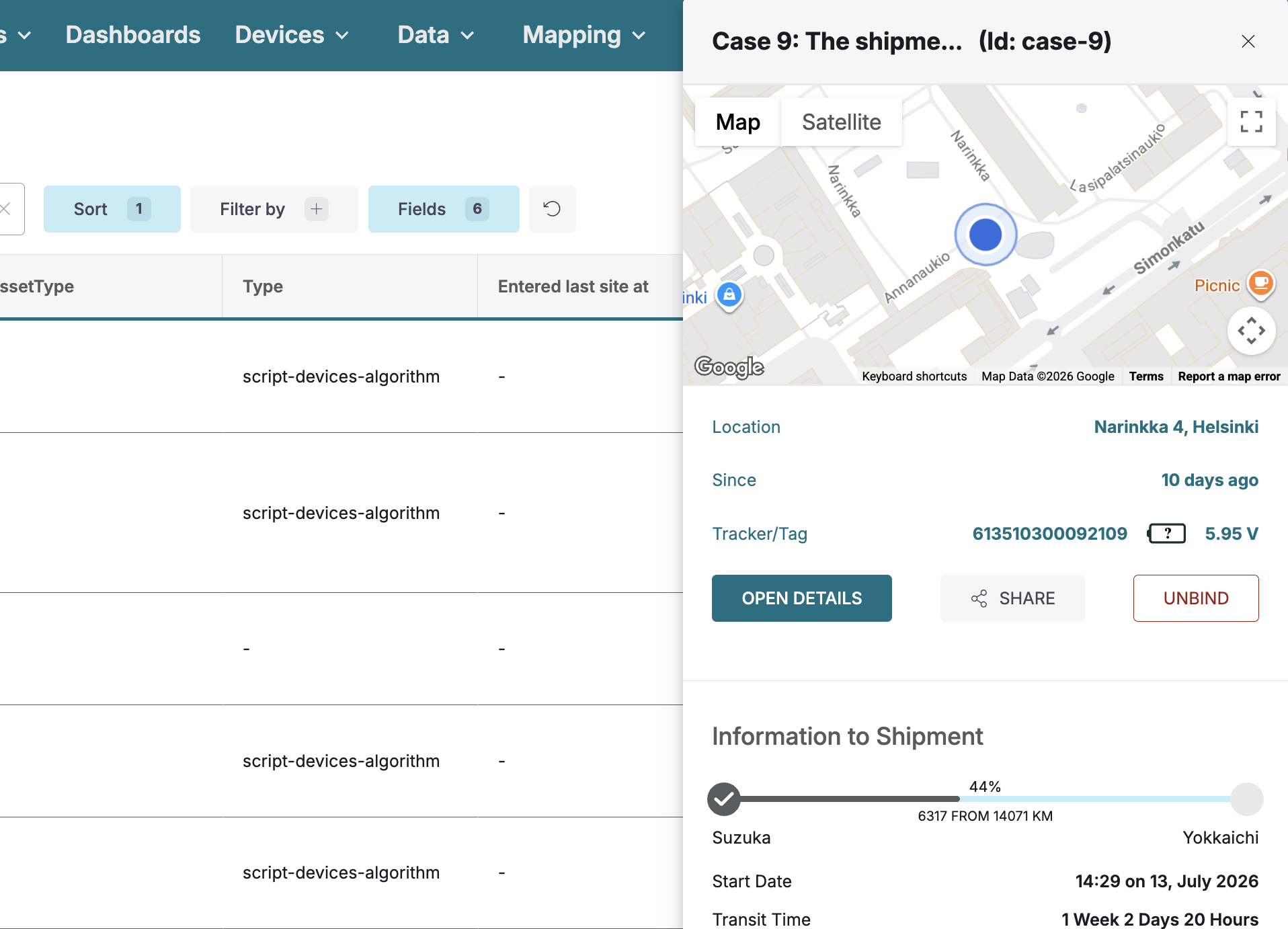
Redesigned asset quick-preview sidebar: The asset quick-preview side drawer has been updated with clearer visual hierarchy: key tracker information is more prominent, action buttons are better organised, and read-only fields are no longer presented as editable form inputs.
-
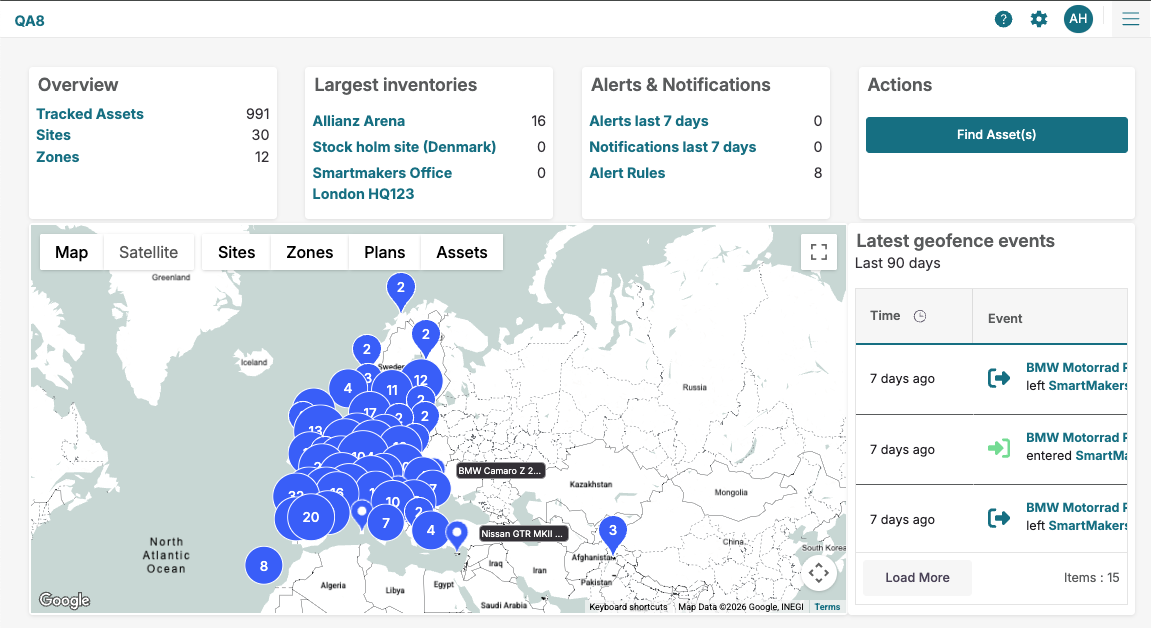
Key navigation items accessible at narrower viewport widths: Tenant Settings and Help Center remain accessible when the browser window is narrowed for example, in split-screen or tiled window setups without requiring a full-width browser window.
-
Shipment details and sharing links available in the asset quick-preview sidebar: Shipment information and the public sharing link for a shipment asset are now accessible directly from the quick-preview sidebar, without needing to open the full detail page.
-
Data table column names no longer show internal type suffixes: Thingsflow data table columns now display clean field names (e.g., humidity) instead of names appended with internal type identifiers (e.g., humidity_float64), restoring the behaviour present before release 8.3.
Bug Fixes
-
Device data table no longer disappears when scrolling in both directions: Fixed an issue where scrolling horizontally and then vertically in the Device Data tab caused the entire table content to vanish, requiring a page reload to recover.
-
Asset quick-info drawer no longer opens multiple instances: Fixed an issue where clicking the Edit button rapidly on the Asset Detail Overview page opened multiple overlapping quick-info drawers simultaneously.
-
Clear button on the Send Downlink payload field now works correctly: Fixed an issue where clicking the clear (×) button inside the Payload input on the Send Downlink modal did not remove the entered value.
-
LoRaWAN downlink commands now send successfully: Fixed an API error that prevented downlink commands from being sent to LoRaWAN devices from the Network tab.
-
Relative timestamps now display in German when the German language is selected: Fixed an issue where relative time indicators such as "22 days ago" or "a few seconds ago" remained in English regardless of the selected application language.
-
Pager information resets correctly after searching from a non-first page: Fixed an issue in Views where performing a search while on page two or beyond caused the pager to display impossible item ranges (e.g. "101–30 of 30 items") instead of resetting to page one.
-
Moving a BLE beacon marker no longer resets the map zoom level: Fixed an issue where dragging an indoor locator marker at maximum zoom caused the map to snap back to the default zoom level, disrupting precise positioning.
-
Guest and User roles with Device Management permission can now access device detail pages: Fixed an issue where users assigned the Guest or User role were redirected away from device detail pages despite having the Device Management permission enabled.
-
Disabled action buttons on the Integrations page are no longer clickable: Fixed an issue where the greyed-out Delete and Edit buttons on the Integrations detail page could still be clicked by users with a Guest role, bypassing the intended restriction.
-
Boolean "false" values now display correctly in data tables: Fixed an issue where a device data field with a value of false rendered as a dash (–) instead of "false", making it impossible to distinguish a confirmed false reading from missing data.
-
Indoor locator map button now correctly labelled: Fixed an issue where the map view button on an indoor locator's detail page was labelled "Asset" instead of "Locator".
-
Device metadata fields and buttons are now correctly aligned: Fixed a layout issue on the device detail page where metadata fields such as MAC address and Driver label, along with their adjacent buttons, were not aligned in a single horizontal row.