
New features
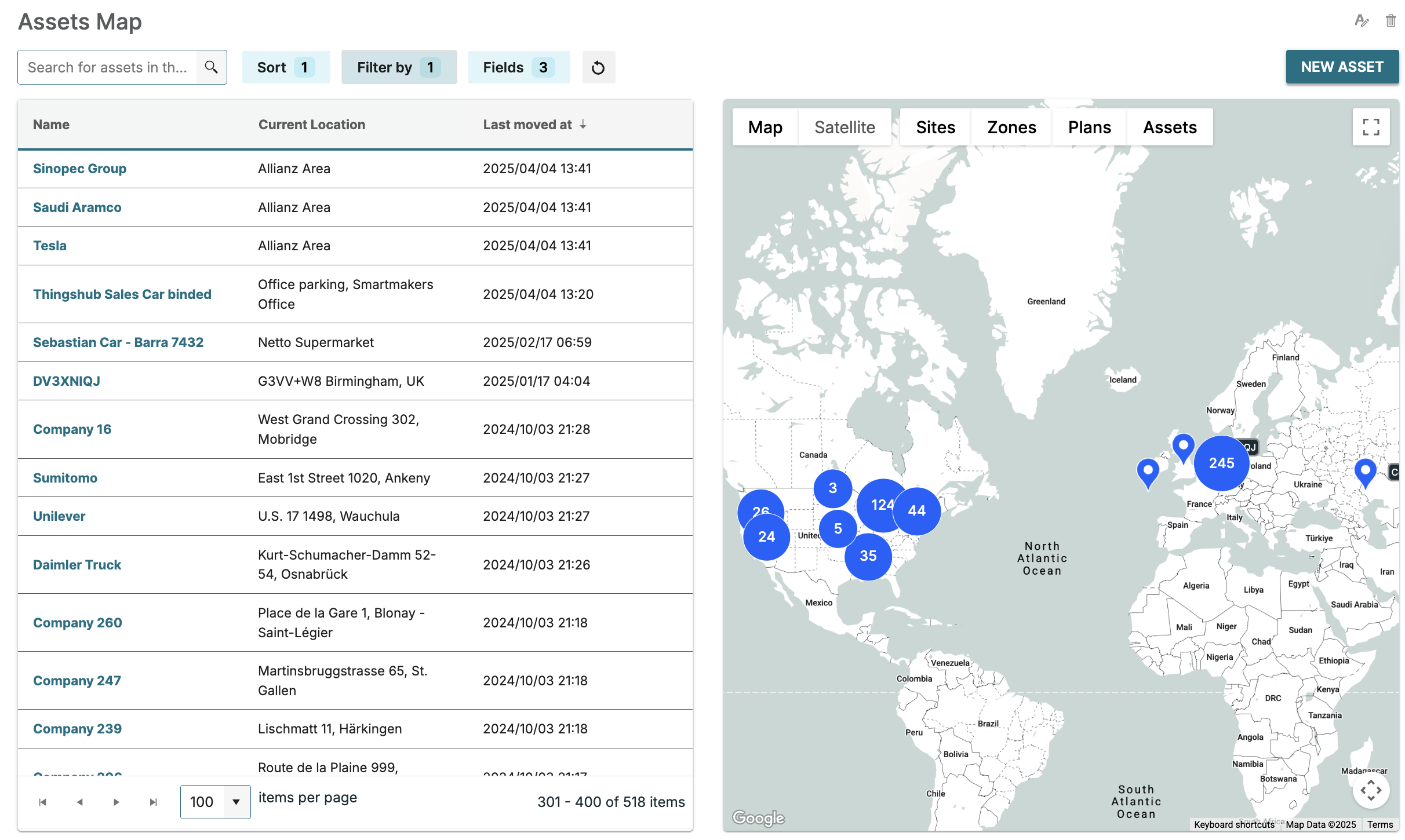
The asset map page has been enhanced to a combined table and map layout for improved usability and user experience.
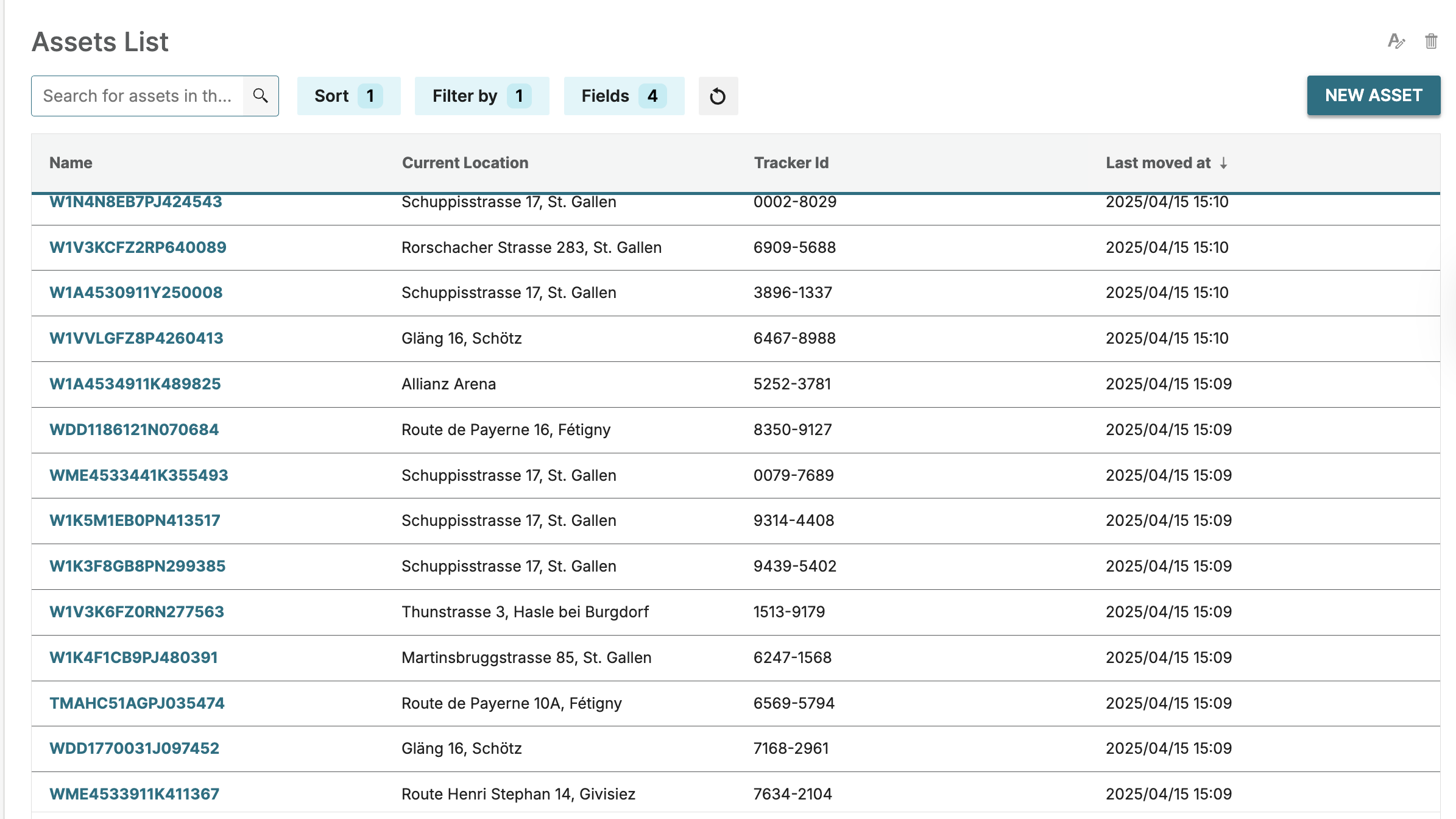
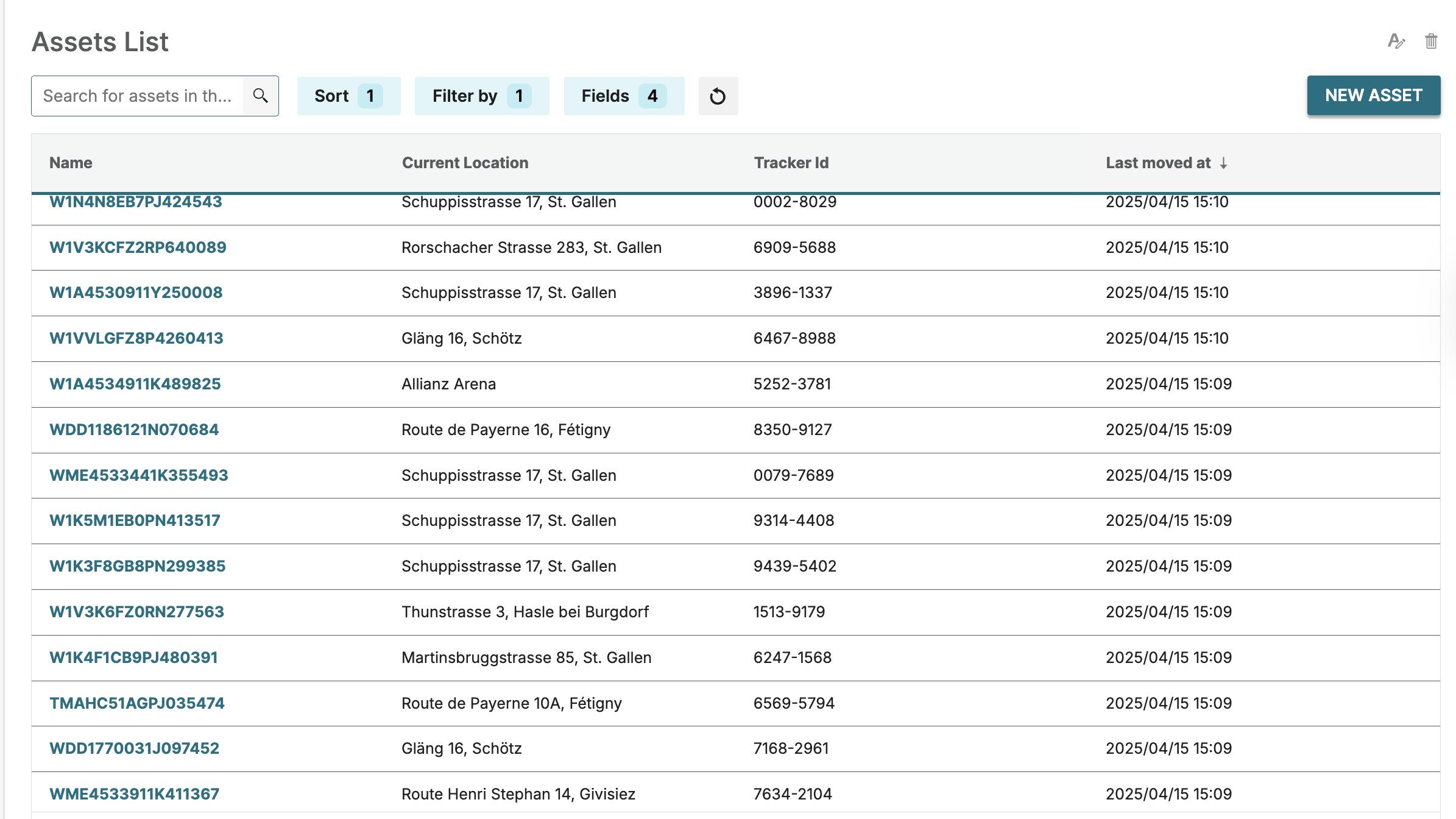
The asset list page has been enhanced to a table layout for improved usability and user experience.
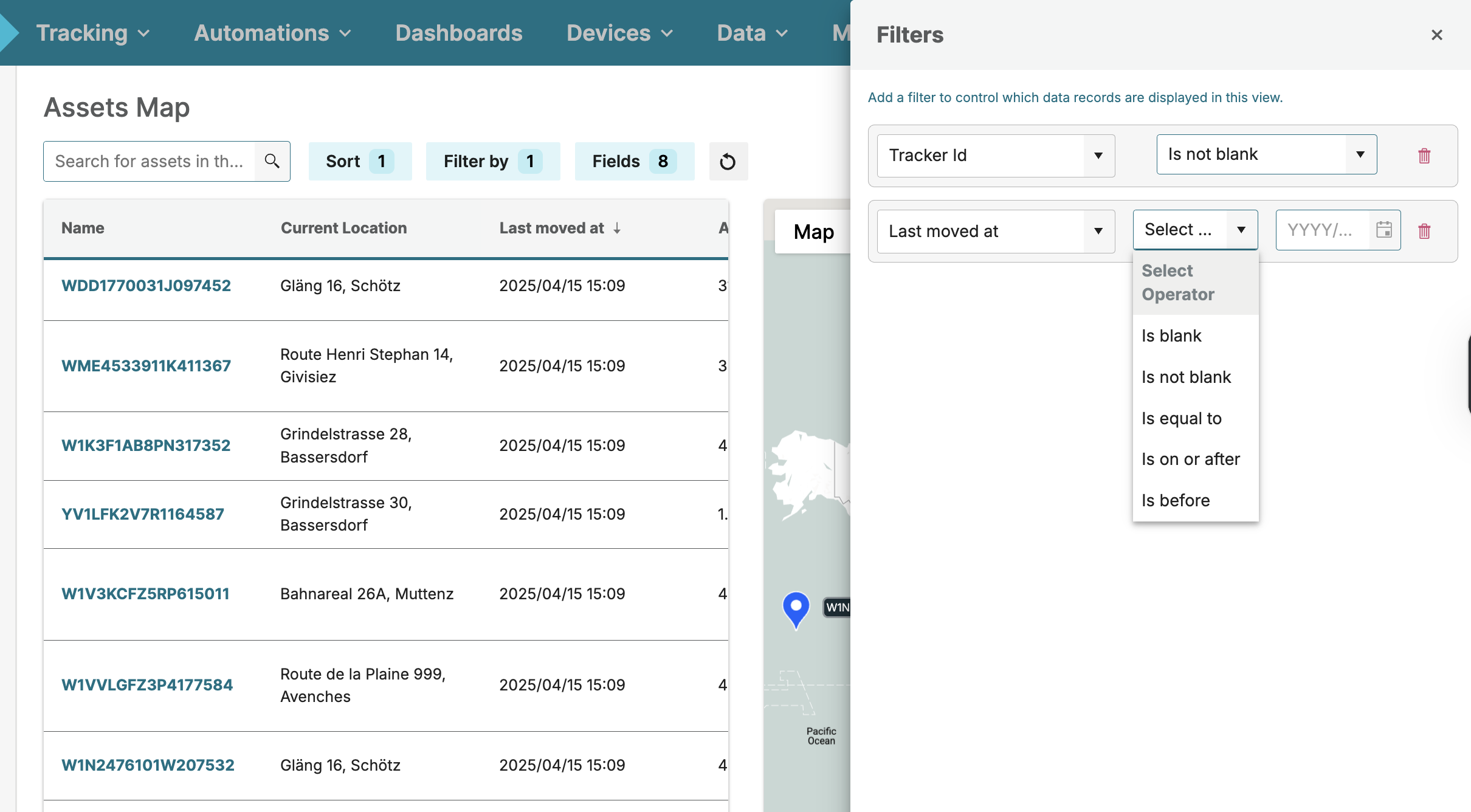
The Business Objects Management page now allows the creation of a 'Date & Time' Business Object field and the view can now be filtered by the 'Date' field type through the filter modal.
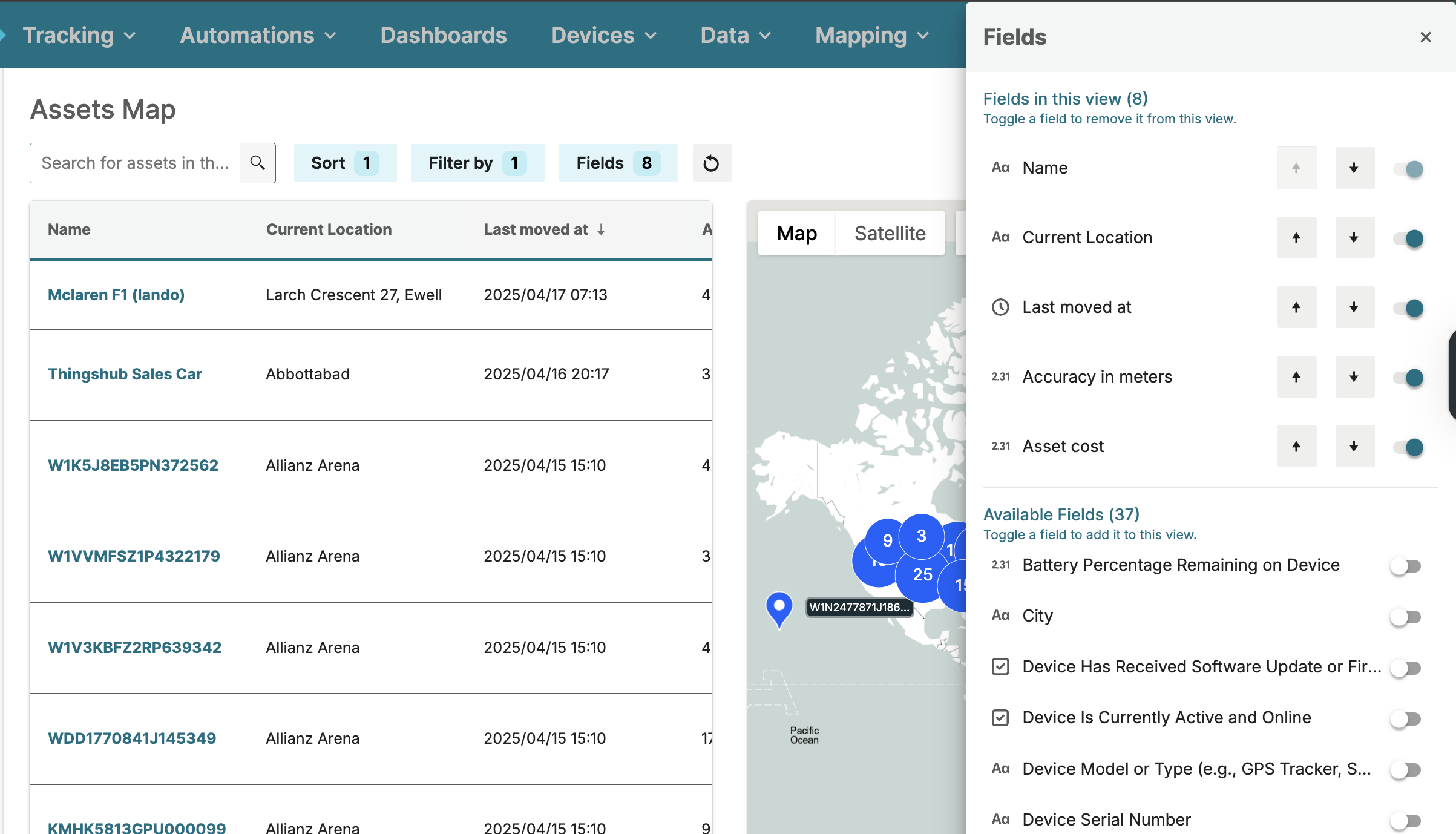
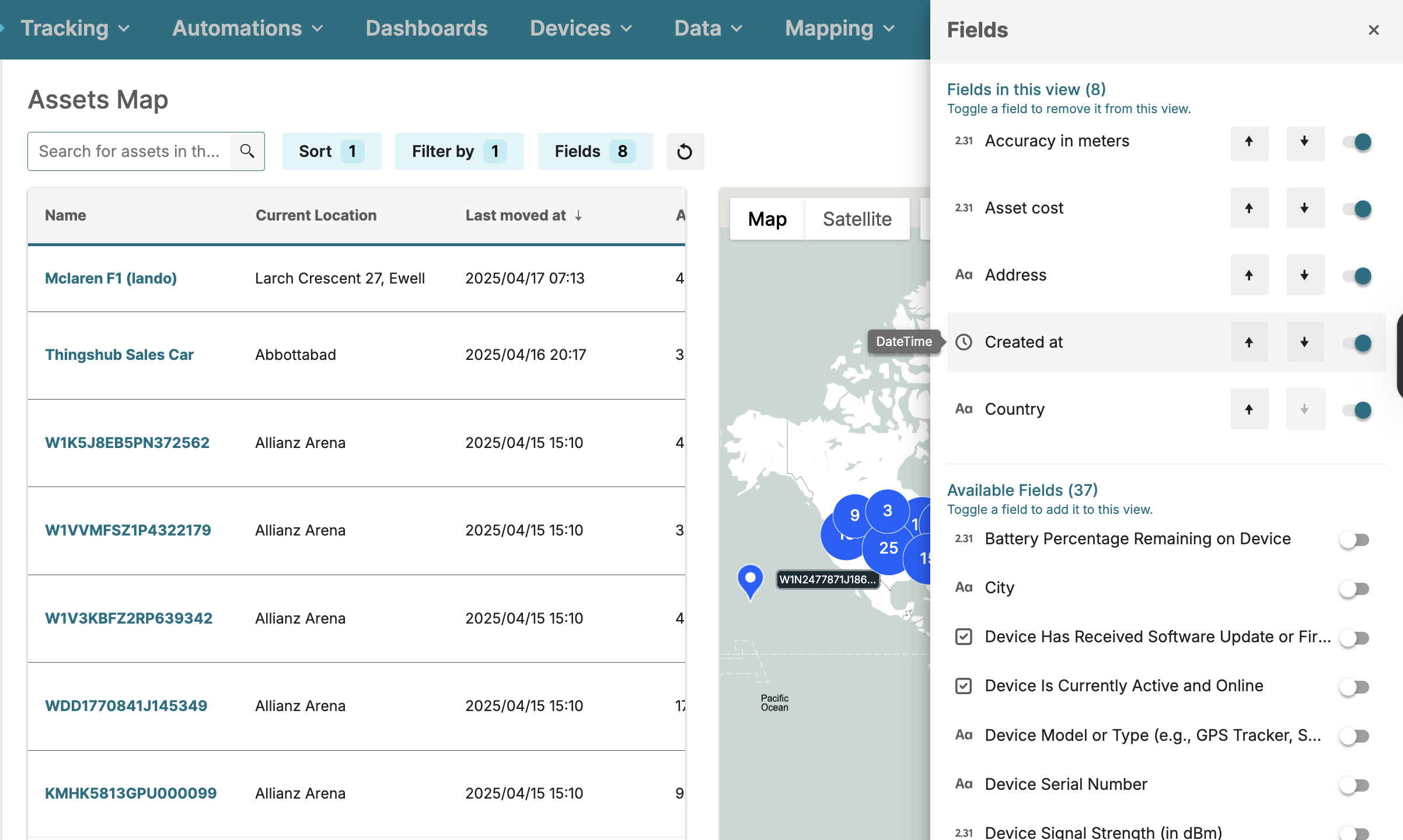
The 'View Fields' modal allows users to sort the fields in the 'Fields in This View' section, enabling the arrangement of view columns in the desired order.
Hovering over a field in the 'View Fields' modal now displays the field type, enhancing clarity and improving the overall usability experience.
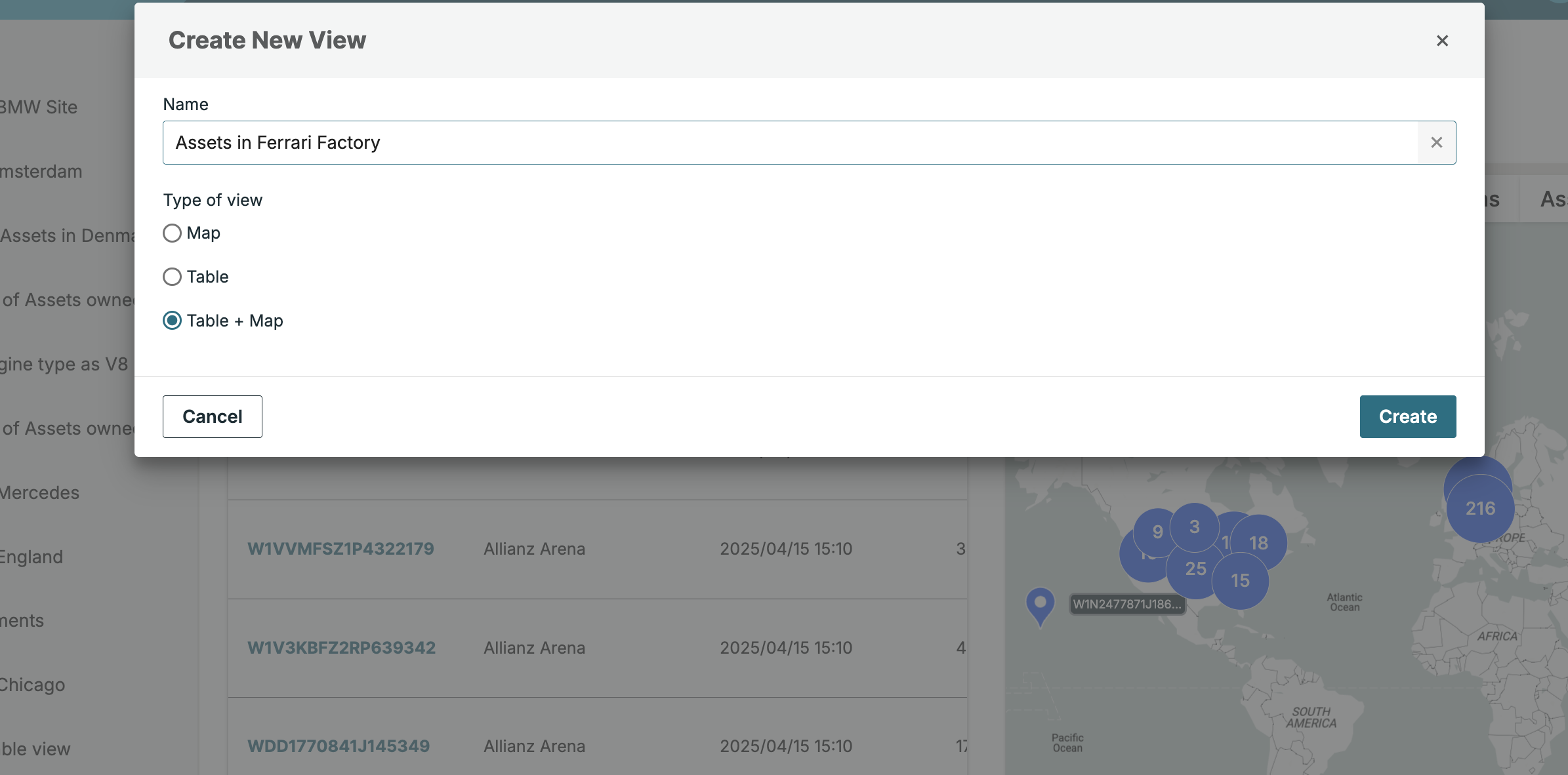
The new 'Table+Map' view type can now be created through the updated view creation process.
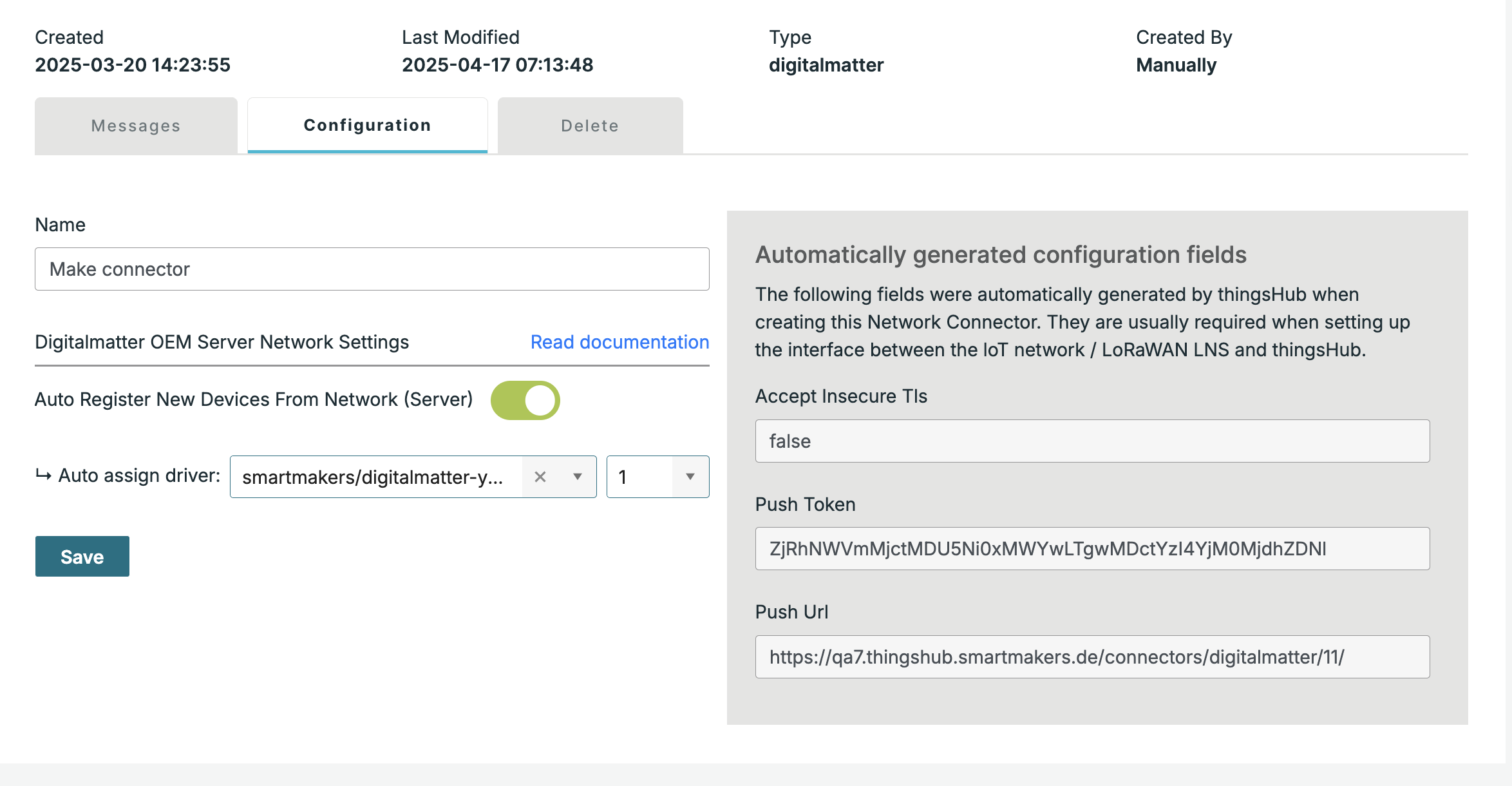
The Loriot and Digital Matter OEM network connections have been improved by allowing the assignment of an auto driver for auto-activated devices.
A new "flespi Universal Telematics Server" can now be added from network connection page by specifying the type as "flespi Universal Telematics Server"
Usability and Other Enhancements:
-
The validation for View name creation and update has been enhanced to allow special characters.
-
A success message is now displayed when creating or removing API keys.
-
The type of custom-created views can be changed to 'Map', 'Table', or 'Table + Map' as needed.
-
Predefined standard columns/fields are pre-populated when a new view is created.
-
In the network connection configuration, the 'Retry Connection' field has been improved by replacing it with a dropdown containing predefined values.
-
The issue in the view filter's value field, where spaces were removed while entering text, has been resolved and improved for better input handling.
-
The Battery column in the Device Overview now supports sorting device battery levels in both ascending and descending order.
-
The password mismatch error message has been enhanced for better clarity, and the 'Save' button is now grayed out until a valid user password is entered.
-
A success message is now displayed when creating or removing API keys