
Overview:
thingsHub 8.8.0 makes assets more recognisable at a glance by bringing primary images into list views, side drawers, and the asset grid. Battery health information is now available on the device overview page, and the Views side navigation panel can be resized or minimised to fit different working styles. Several reliability fixes address bulk network operations, shipment notifications, and concurrent device edits.
New Features
-
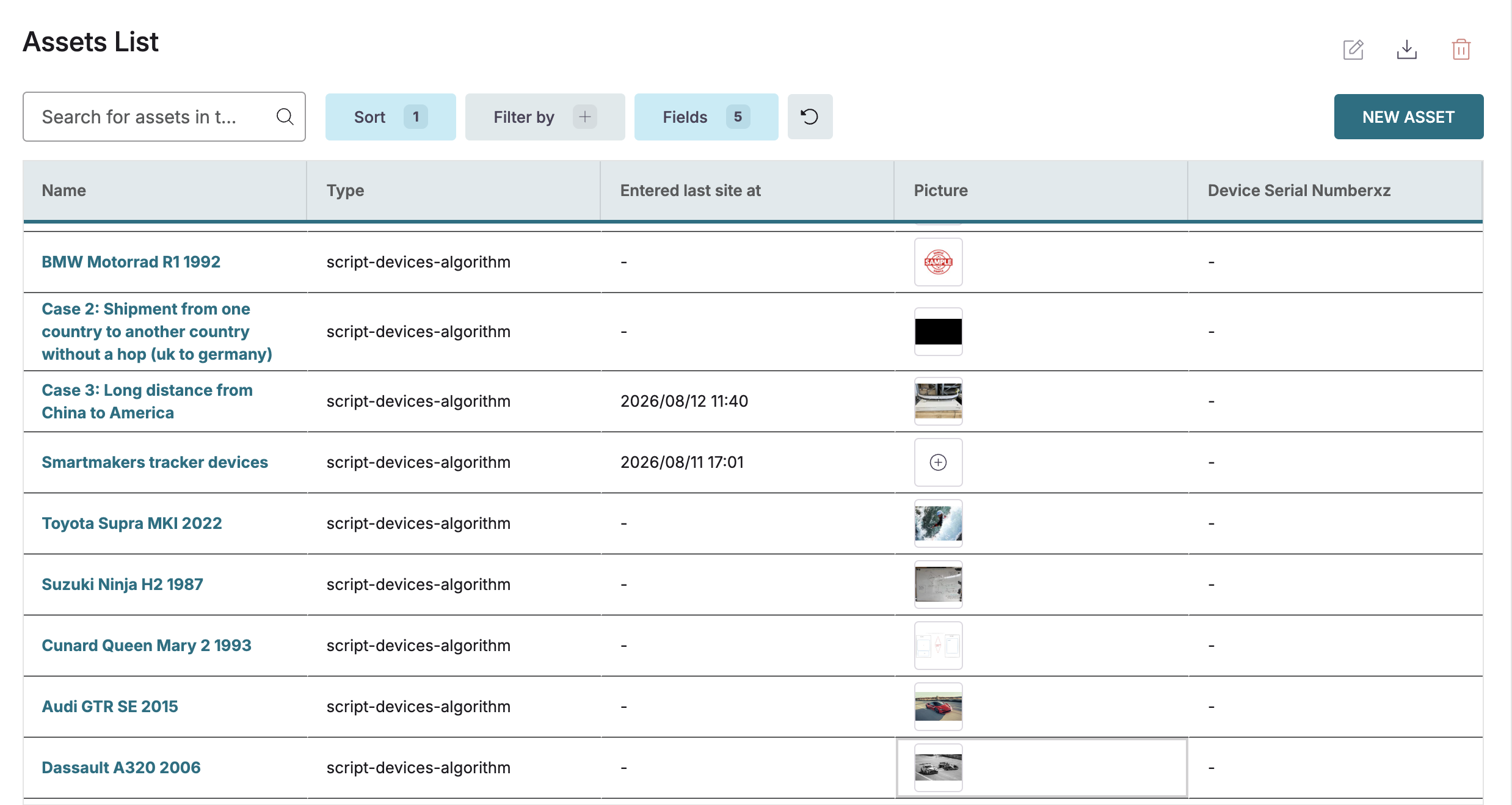
Asset picture column in the asset grid: A picture column can now be enabled in the asset grid, making it possible to visually identify assets while scanning the list and add missing pictures without opening each asset individually.
-
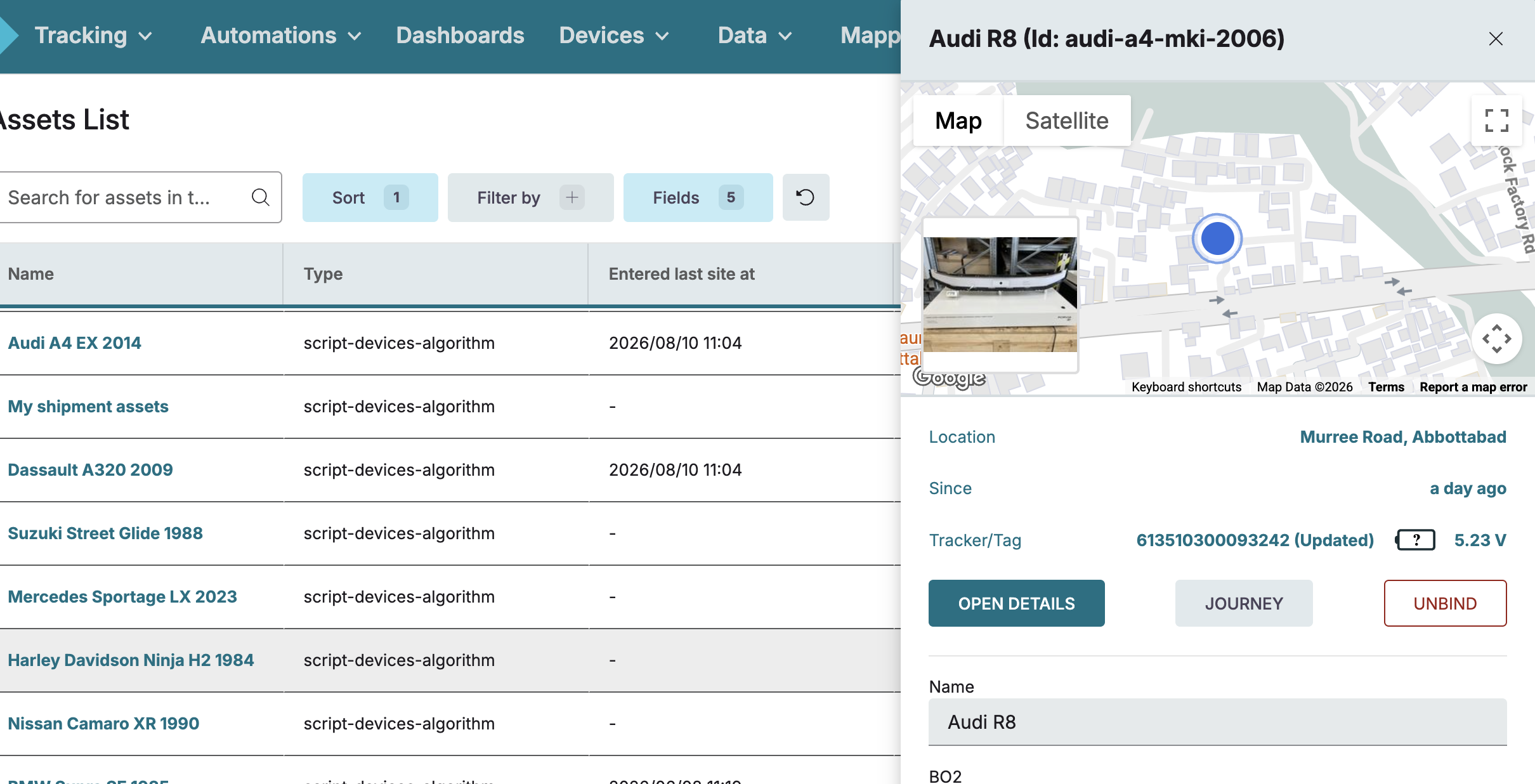
Asset picture in the quick-preview side drawer: The primary image of an asset is now visible directly in the quick-preview side drawer, so assets can be identified at a glance from any list view without navigating to the detail page.
-
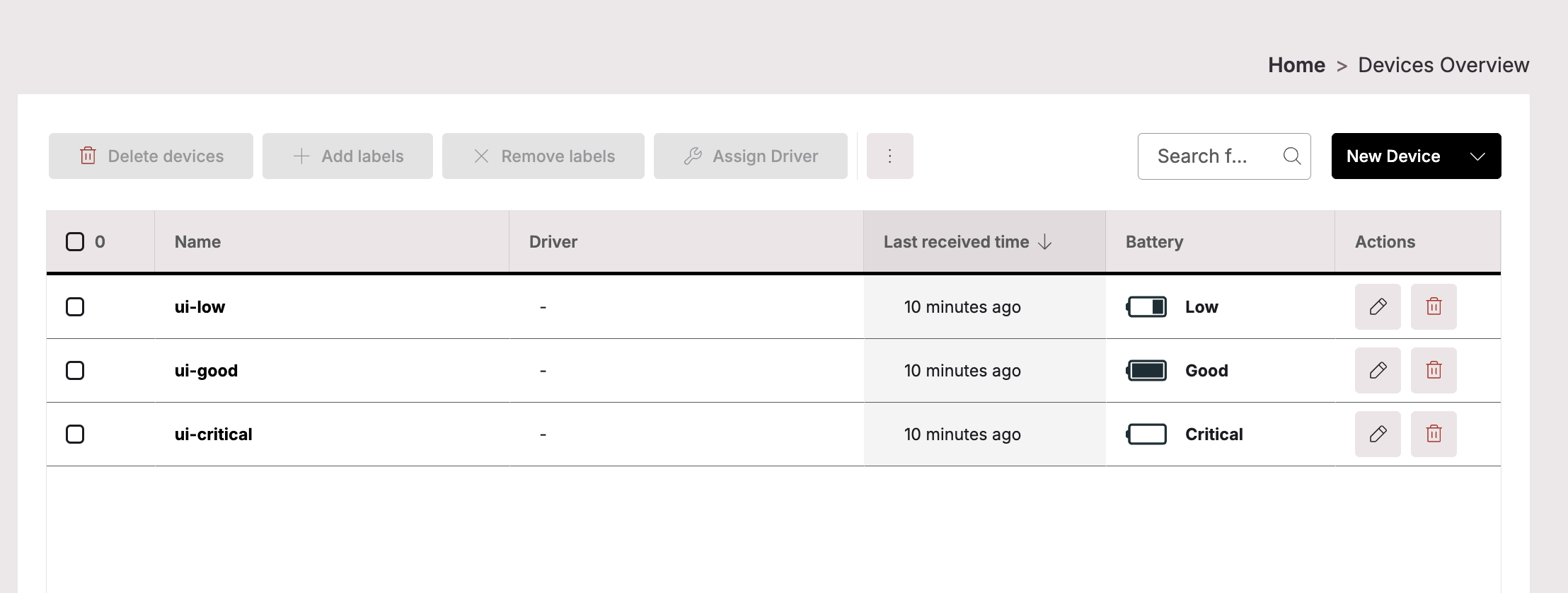
Battery health state visible on the device overview page: Devices that report a battery state such as Good, Low, or Critical now show that information directly on the device overview page, alongside other device details.
-
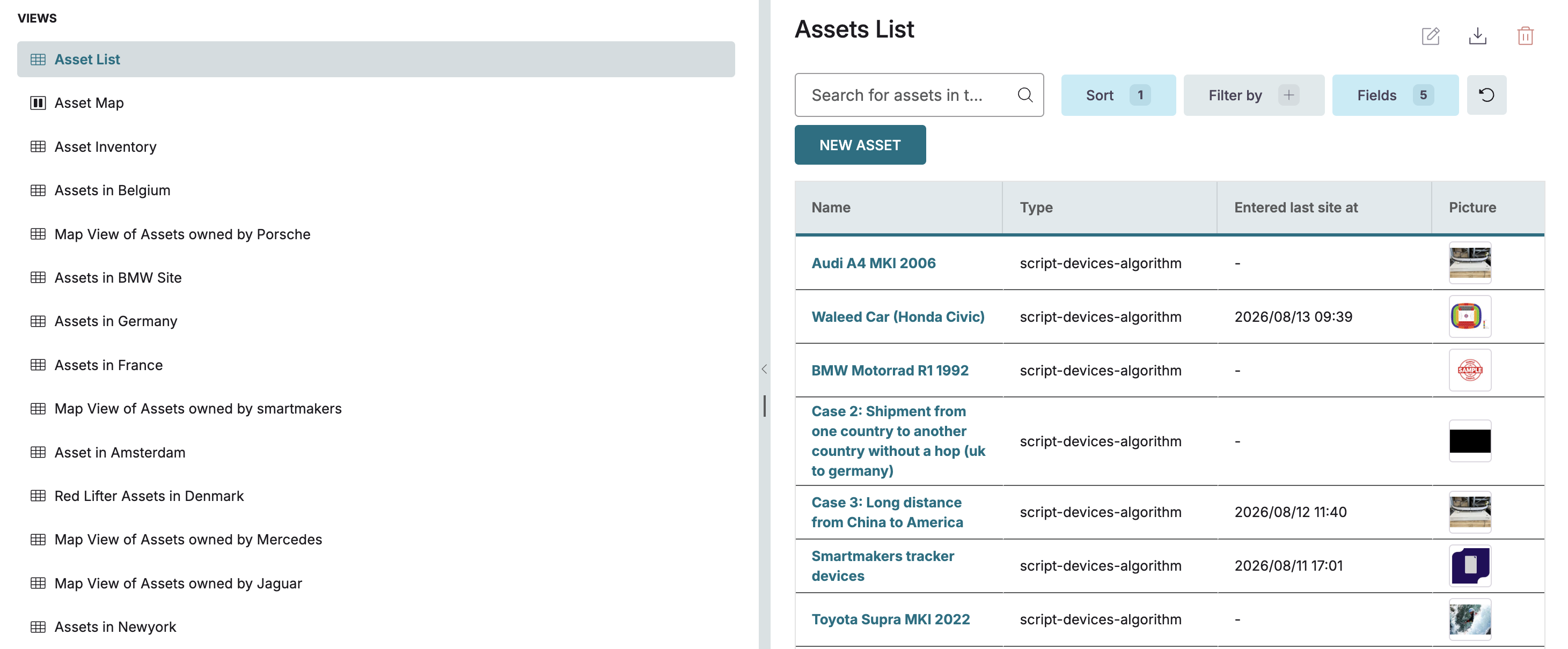
Resizable and collapsible Views side navigation: The Views side navigation panel can now be resized on desktop by dragging the panel edge, and collapsed to a compact strip on mobile to free up screen space.
Enhancements
-
Floor plan rotation no longer alters the original image: Rotating a site floor plan now stores the rotation angle as a setting, leaving the original uploaded file untouched. The rotation can be adjusted or reset at any time without any loss of image quality.
-
Business Object attachment fields open without freezing: Attachment type fields on Business Object field detail pages now load and display correctly in read-only form, consistent with all other system fields.
Bug Fixes
-
Bulk network assignment now completes with clear status feedback: Fixed an issue where the progress bar for a bulk Add Network operation never resolved to a success or error state, leaving users with no way to confirm the result or close the screen without refreshing the browser.
-
Shipment completion-percentage alerts now deliver email notifications: Fixed an issue where completion percentage alerts were triggered and recorded in the system but no notification email was sent to subscribed recipients.
-
Asset images from mobile cameras now display in the correct orientation: Fixed an issue where photos taken directly from a camera or mobile device rendered sideways after upload, requiring users to rotate and re-upload the image in an external editor.
-
Concurrent device edits no longer fail silently when labels are shared: Fixed an issue where editing multiple devices that share the same labels at the same time could cause one or more edits to fail without a clear error, leaving devices in an inconsistent state.
-
Guest users can no longer access Tenant Settings: Fixed an issue where users with the Guest role could navigate to the Tenant Settings page despite not having the required permissions..