
Version 8.9.0 brings a more consistent navigation experience to the dashboards and devices overview pages, extends indoor tracking with Wirepas anchors and a network operator view, and makes labels correctable right where they are noticed. Shipment notifications now respect a German language preference, alongside display fixes to floor-plan uploads, label filtering, and the event column.
New Features
-
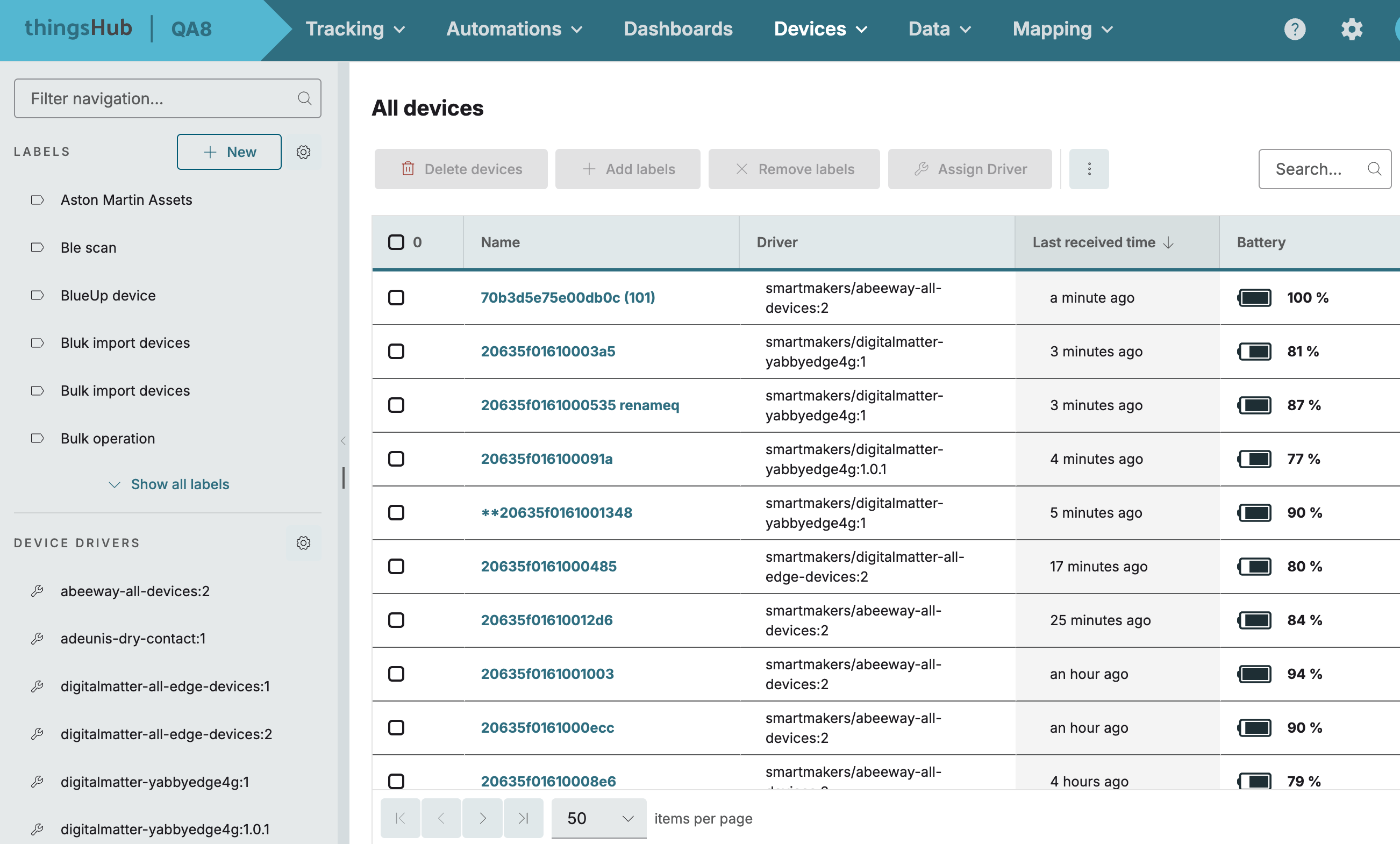
Devices overview layout: The devices overview now follows the Asset Management views layout, presenting labels as a resizable side navigation and a content area that reflects the selected view. Hence, both areas work the same way.
-
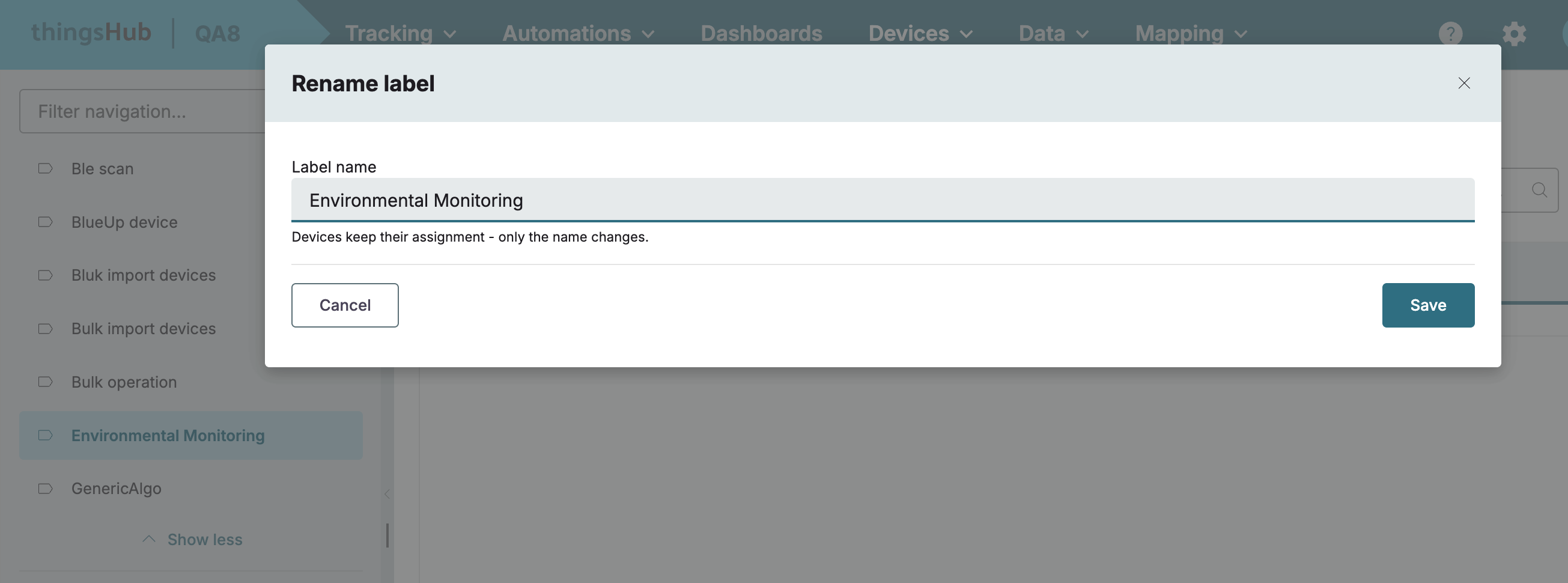
Manage labels from the overview: Labels can be created, renamed, or deleted directly from the devices overview. A new or updated label appears in the side navigation immediately without reloading the page, and the gear icon opens full label management.
-
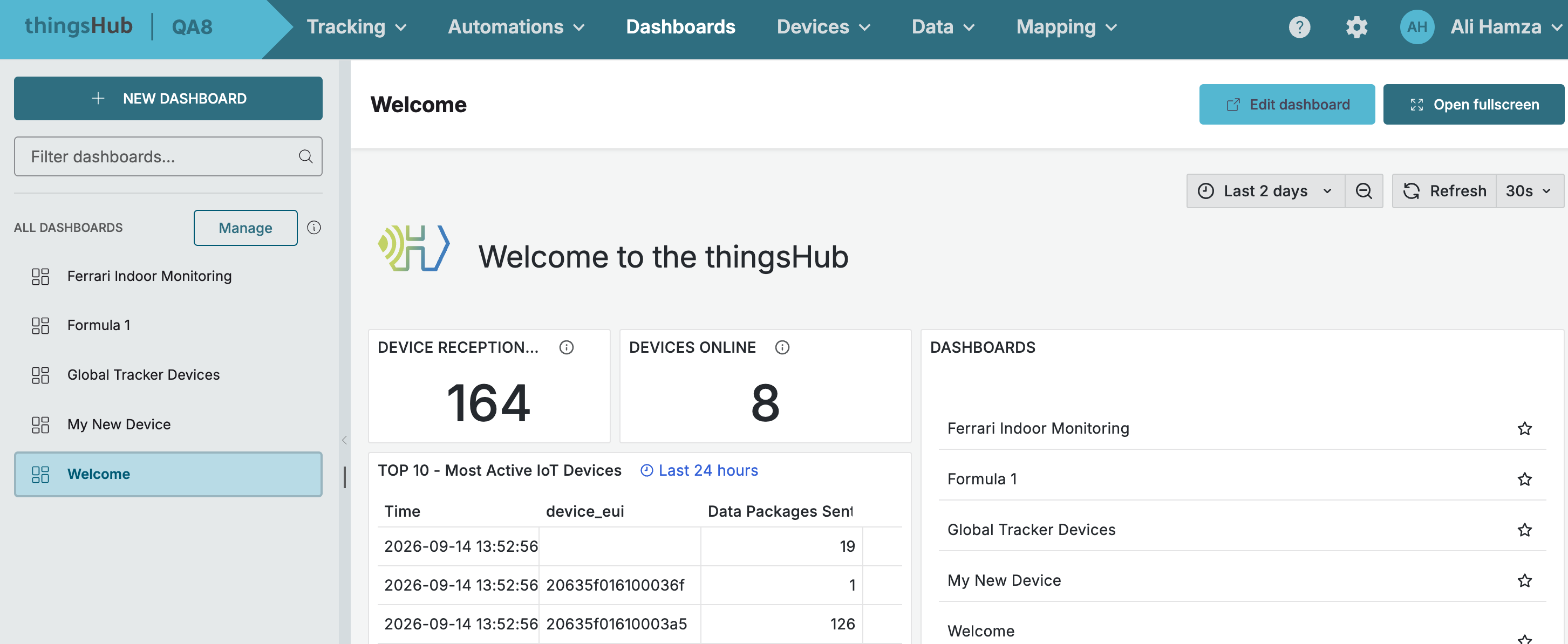
Dashboards page layout: The full list of available dashboards now appears in a side navigation instead of a dropdown, matching the Asset Management layout with a single time control, making dashboards easier to browse and switch between.
-
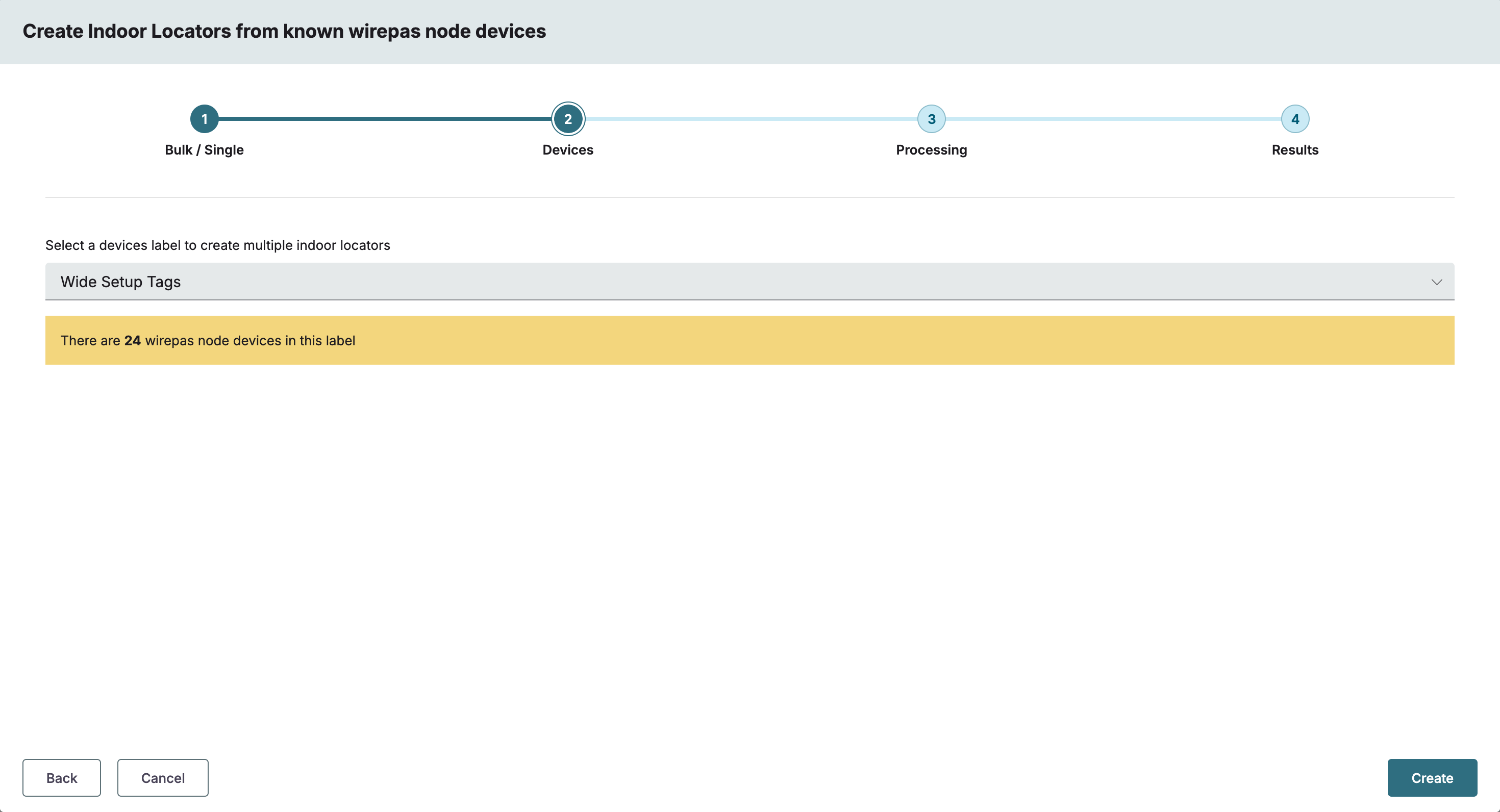
Indoor locators from Wirepas anchors: Indoor locators can be created directly from the Wirepas anchors the network already knows, recognised by either of their identifiers, and usable for asset positioning, so site setup no longer requires walking a tracker past every anchor.
-
Wirepas network operator view: A network connection detail view shows which Wirepas gateways and nodes have recently been heard, how fresh those sightings are, and which gateway hears which node, so operators can judge what is still present on the network from real traffic.
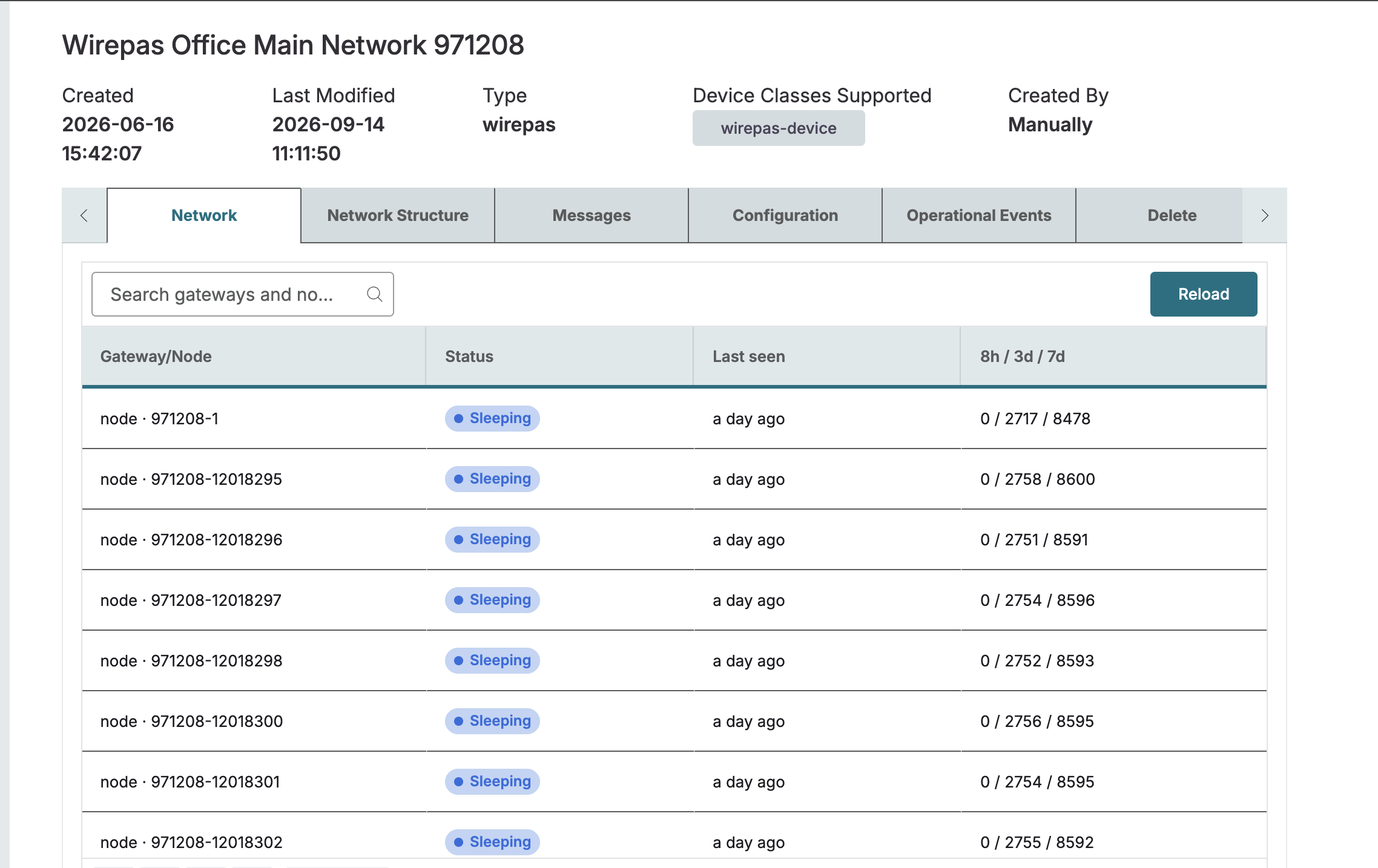
-
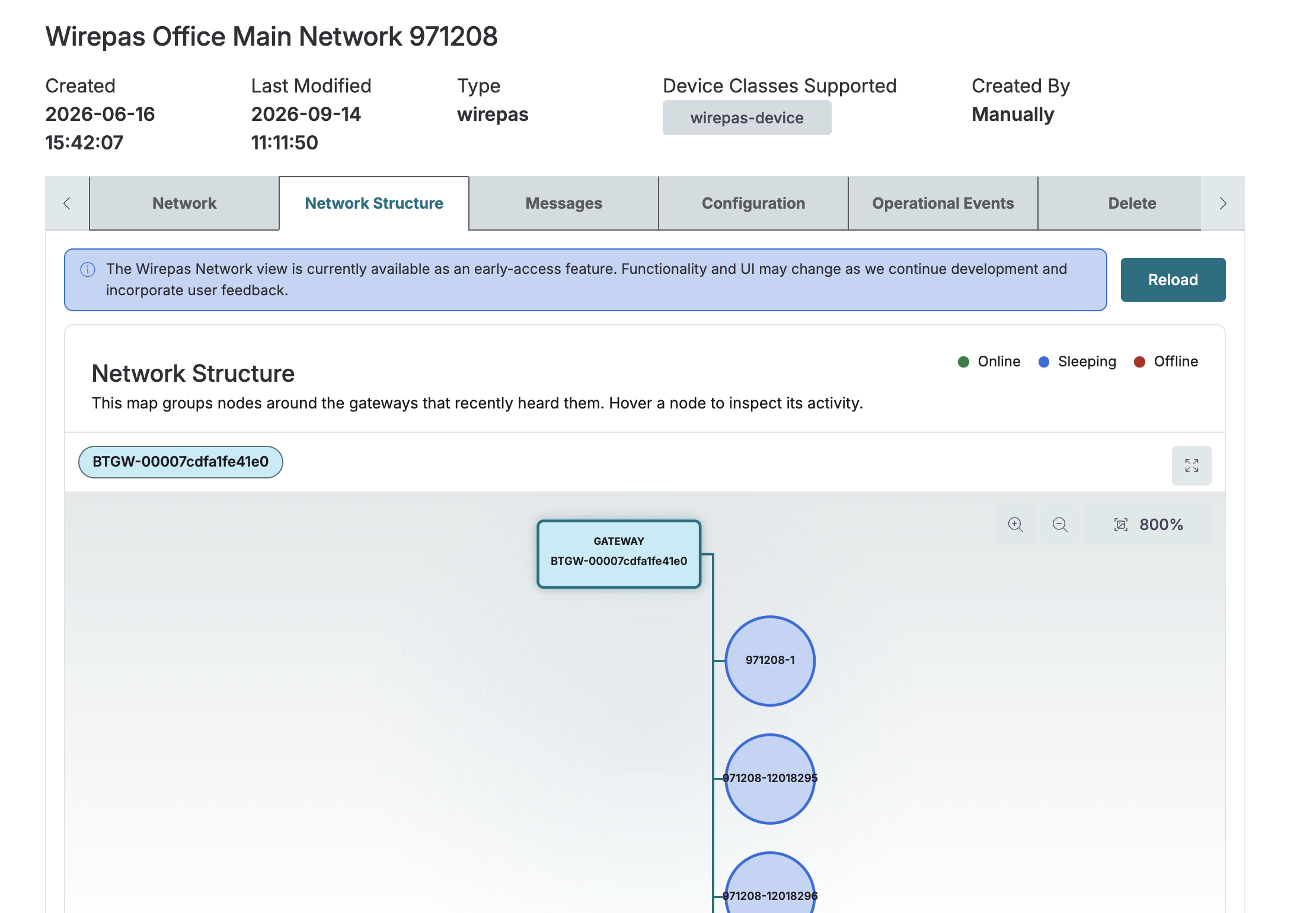
A new Network Structure tab on the network connection detail page maps how Wirepas gateways and nodes connect, grouping nodes around the gateways that recently heard them, so operators can see the shape of the network at a glance.
Enhancements
-
Shipment emails in German: Recipients with a German language preference now receive shipment progress and shipment alert emails in German, while recipients set to English continue to receive them in English.
Bug Fixes
-
Floor plan upload: Fixed an issue where a long floor plan image filename overlapped nearby content instead of truncating, so that long filenames stay within their container and the layout remains intact.
-
Device labels filter: Fixed an issue where a newly created dynamic label did not appear in the Labels filter on the devices listing page, so that new labels are now available for filtering immediately.
-
Event column spacing: Fixed an issue where the event text and location ran together with no space in the Event column, so that the two values now display with correct spacing.